










SIA ROUTINES

Keep every candidate moving forward

Set your rules once, and SIA automates every step of your recruiting workflow.

Play Button DisabledPause Button Disabled
0:00
/
0:00
Volume OnVolume Disabled
Setting Disabled
576p
Fullscreen DisabledMinimize Disabled

Every handoff still waits on you

You know who should move forward, but without recruiting automation, the next step waits until you find time to click it.

Shortlist

Your best candidates wait the longest

A great result sits unseen over the weekend, and the candidate takes another call.

Calendar

Your day goes to routing, not recruiting

Checking grades and sending invites grows with every applicant and takes time you’d rather spend with people.

The same grade gets a different next step

One recruiter moves a B grade forward and another holds it back, so candidates get a different experience.

Your decisions are hard to explain

When a hiring manager asks, the answer lives in someone’s memory, not in a clear rule.

How Hiring Automation works

Set the rules once. SIA moves every qualified candidate to the next step.

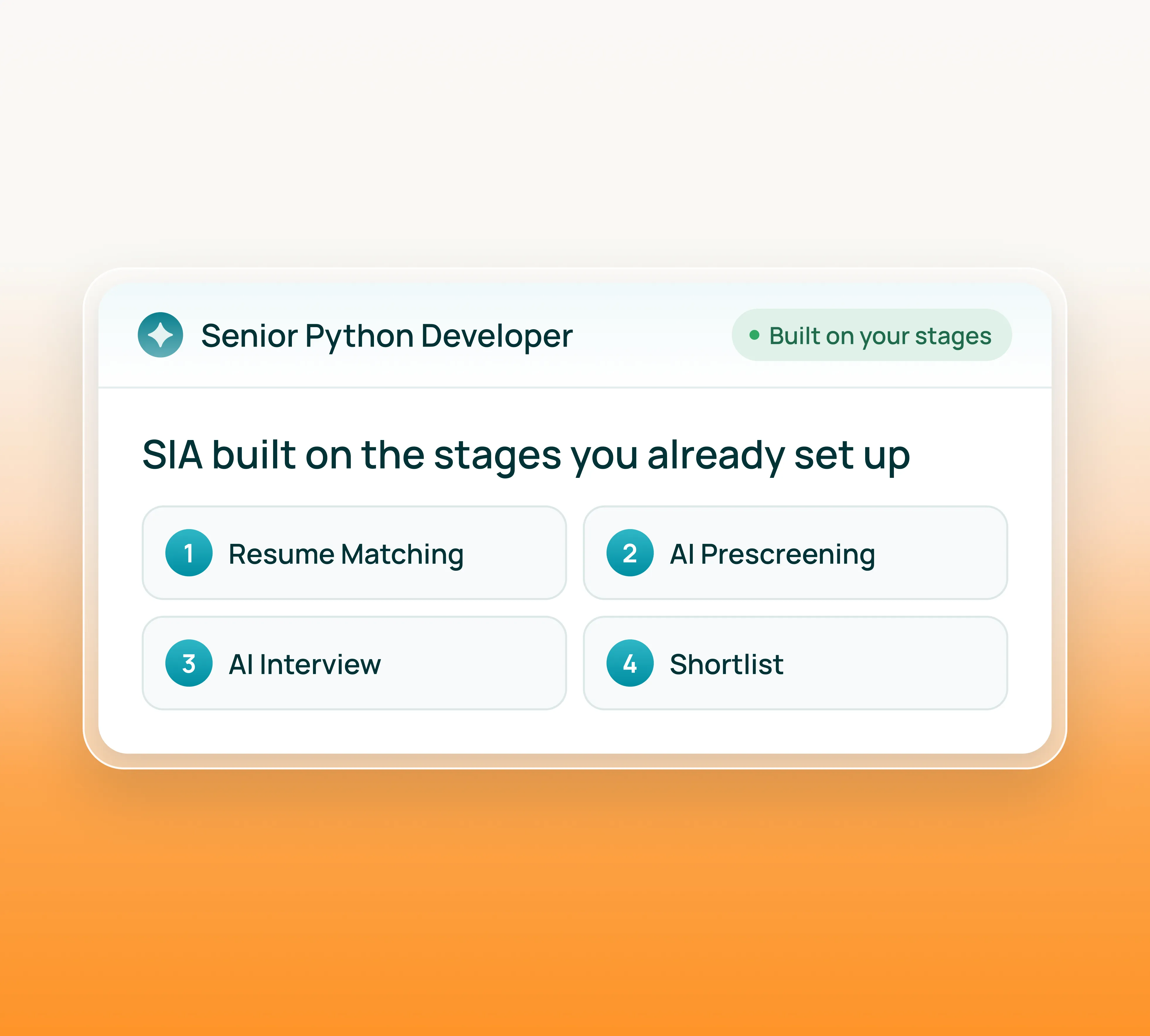
Start from your workflow

SIA builds on the stages you already set up for the role.
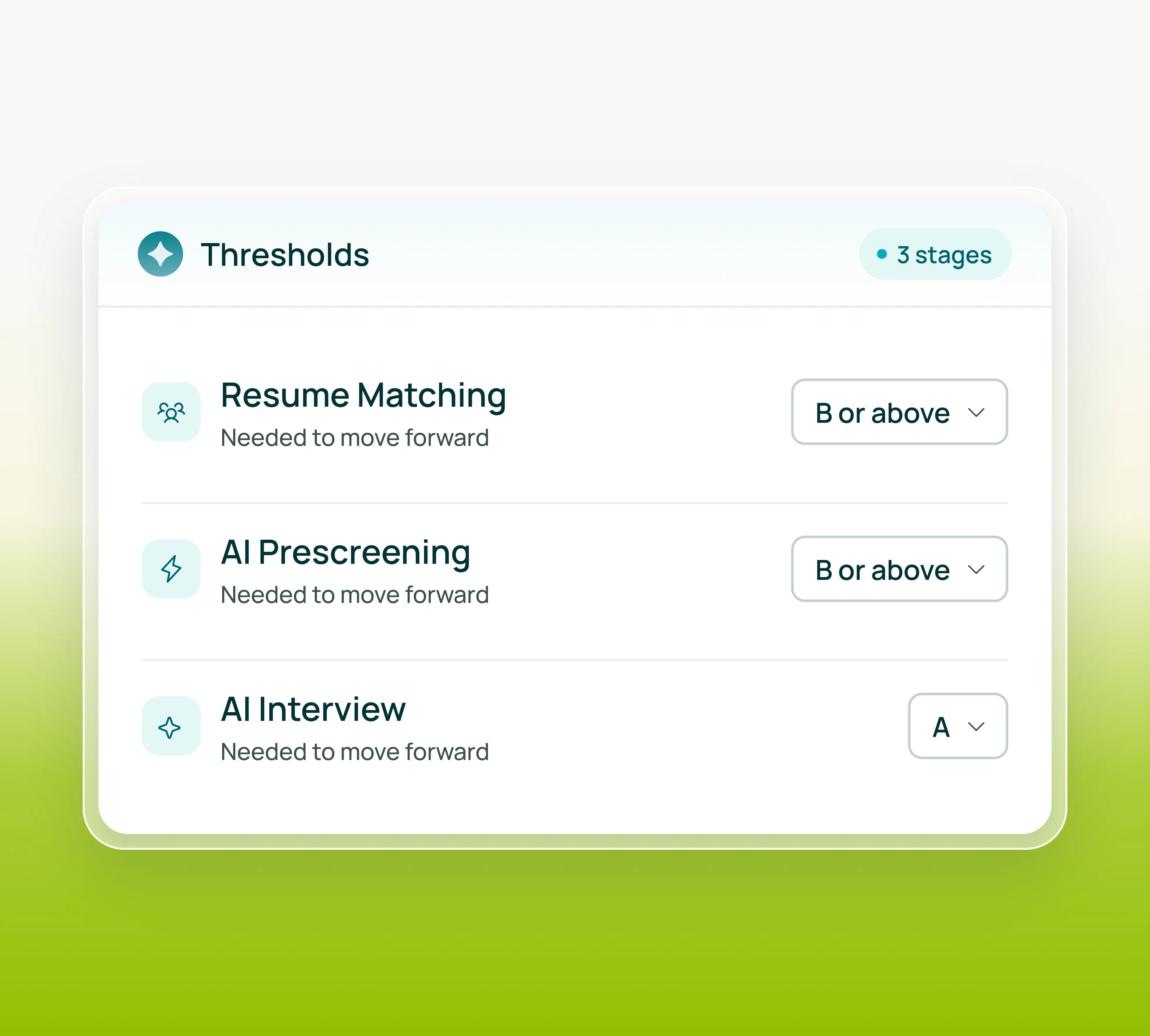
Set the bar for each stage

Choose the grade a candidate needs to move forward.

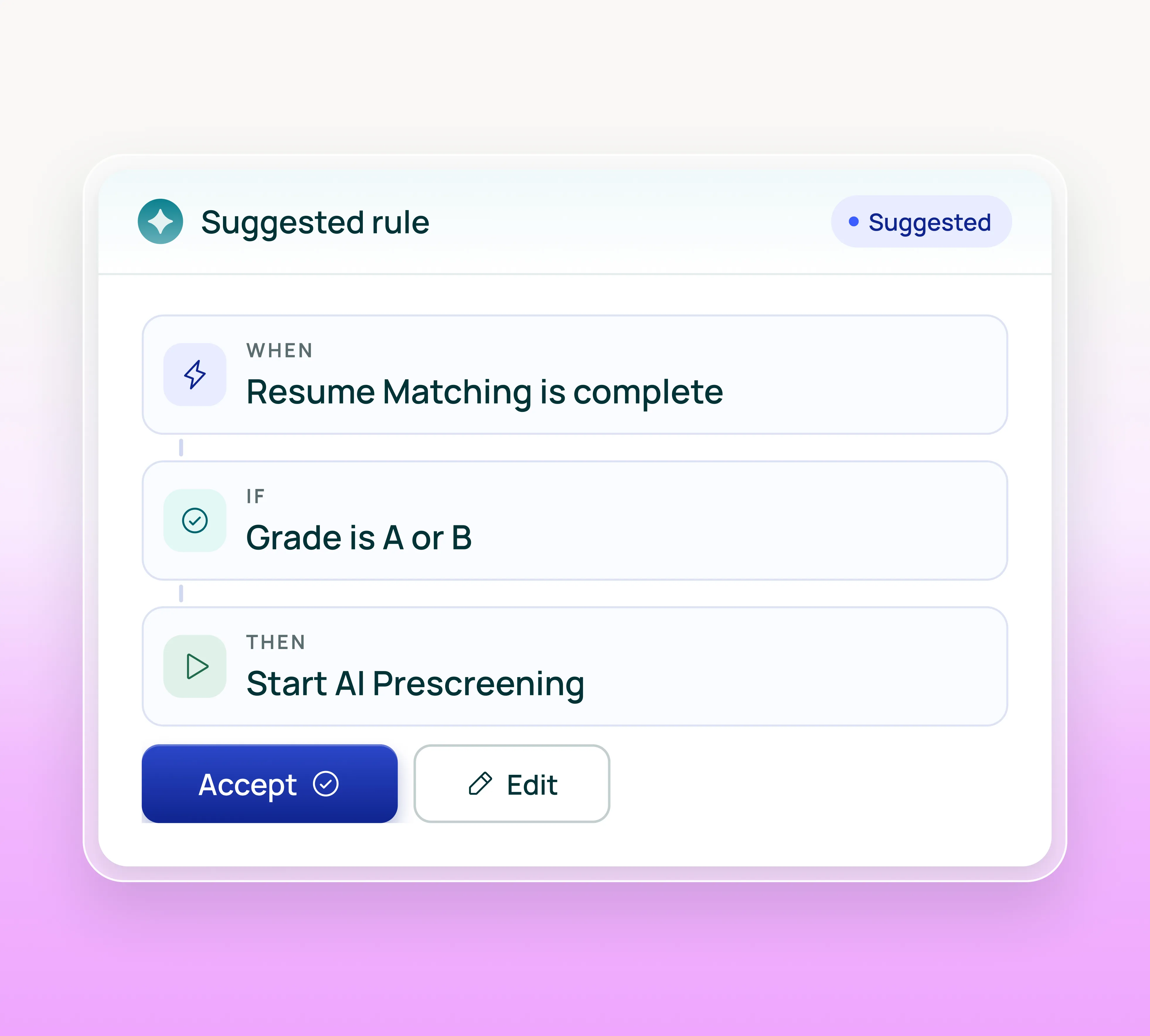
Use the rules SIA suggests

Accept them as they are, or change them to fit how you hire.
Switch on when you’re ready

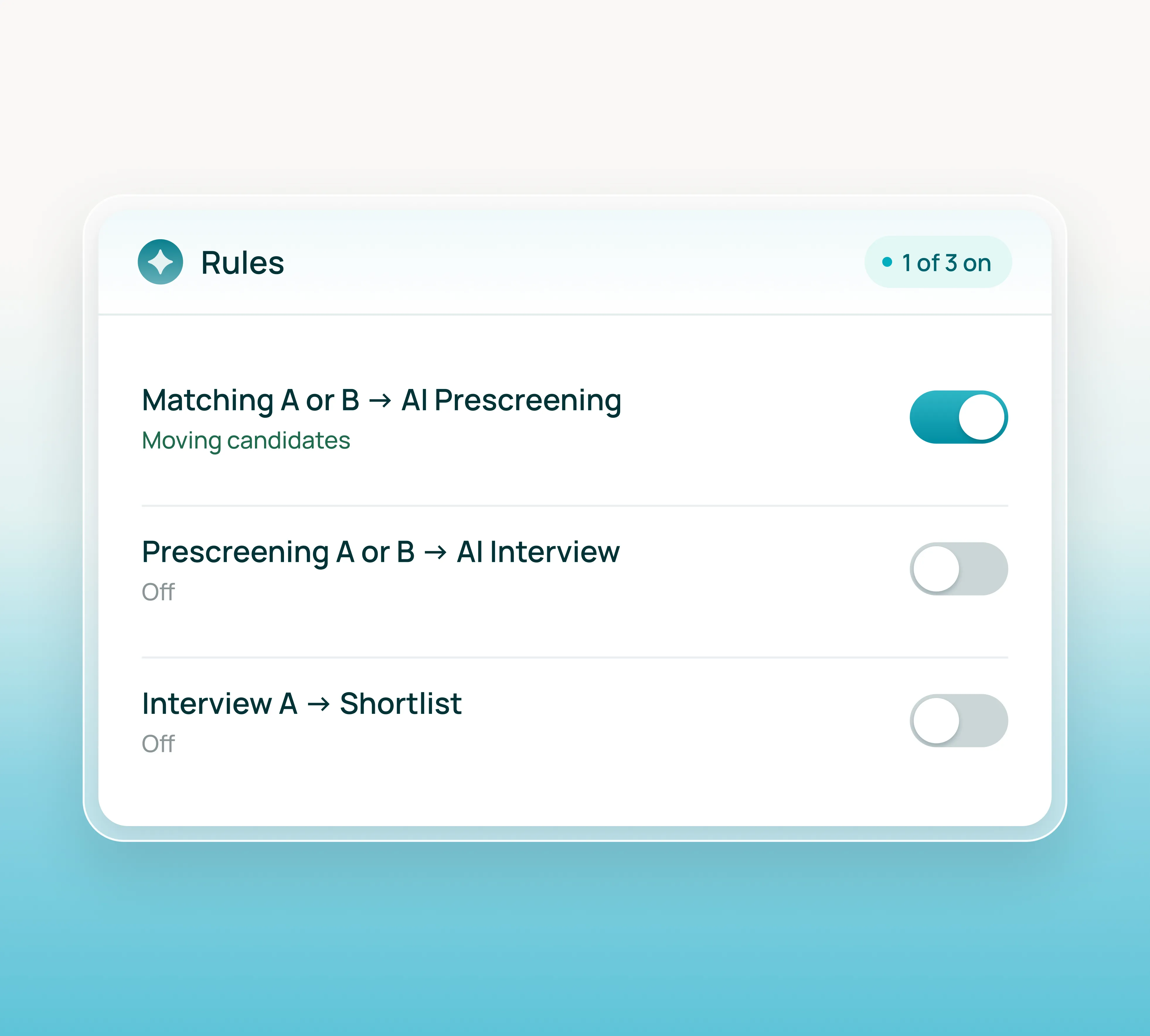
Rules stay off until you turn them on. Then SIA moves candidates for you.

Stay in control

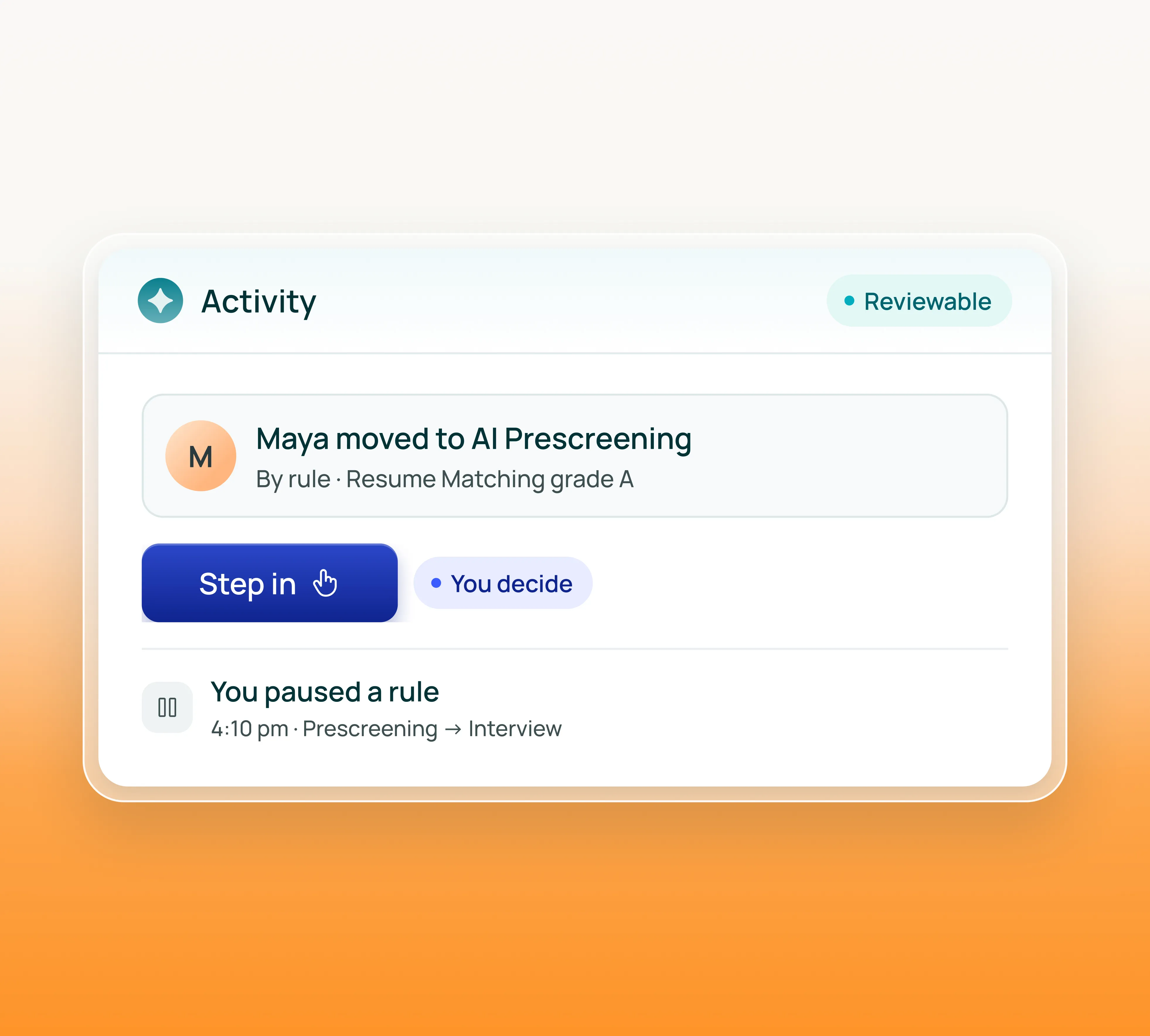
Edit a rule, pause it or step in at any time. You make the hiring decision.
A pipeline that works independently

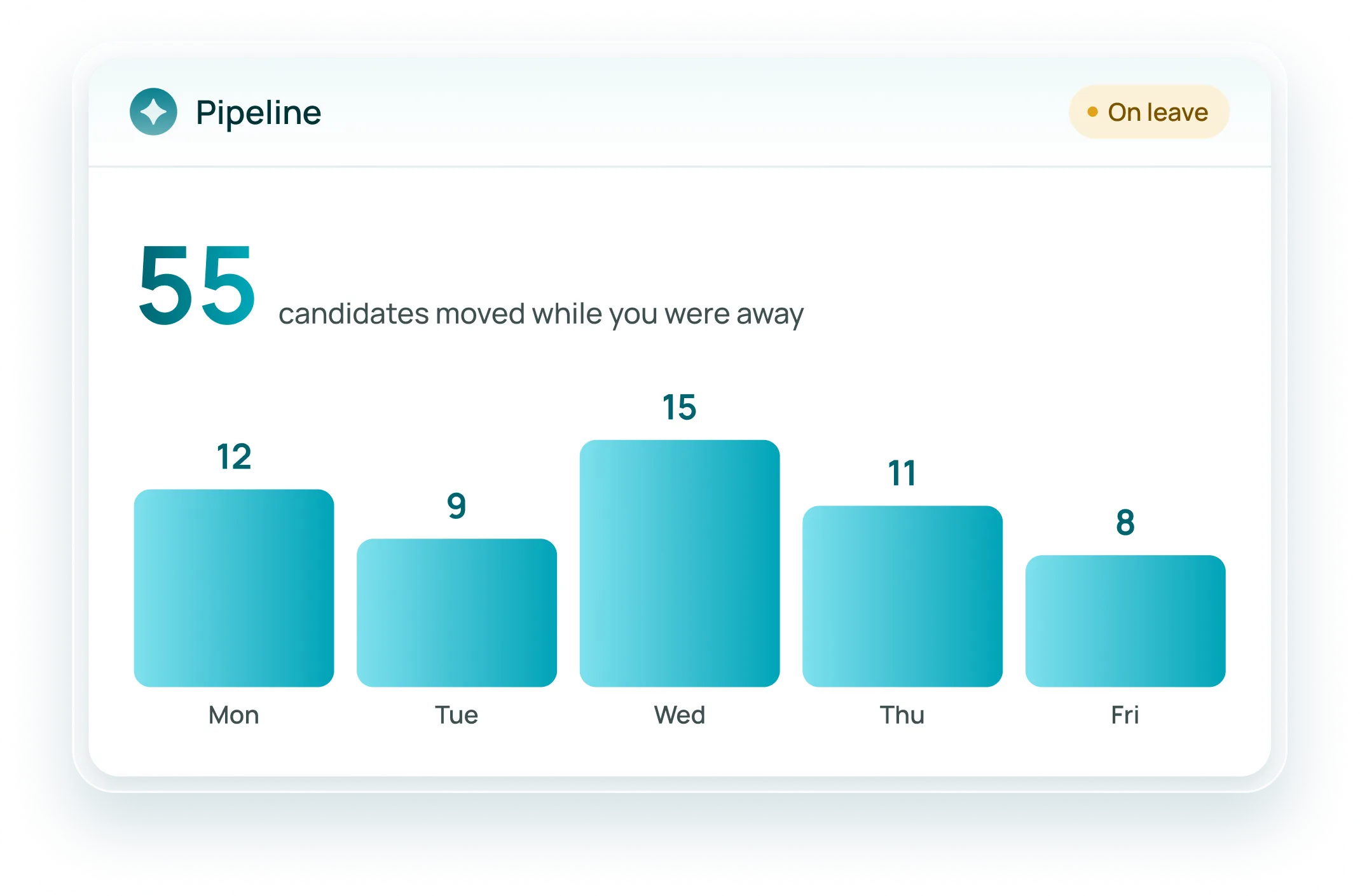
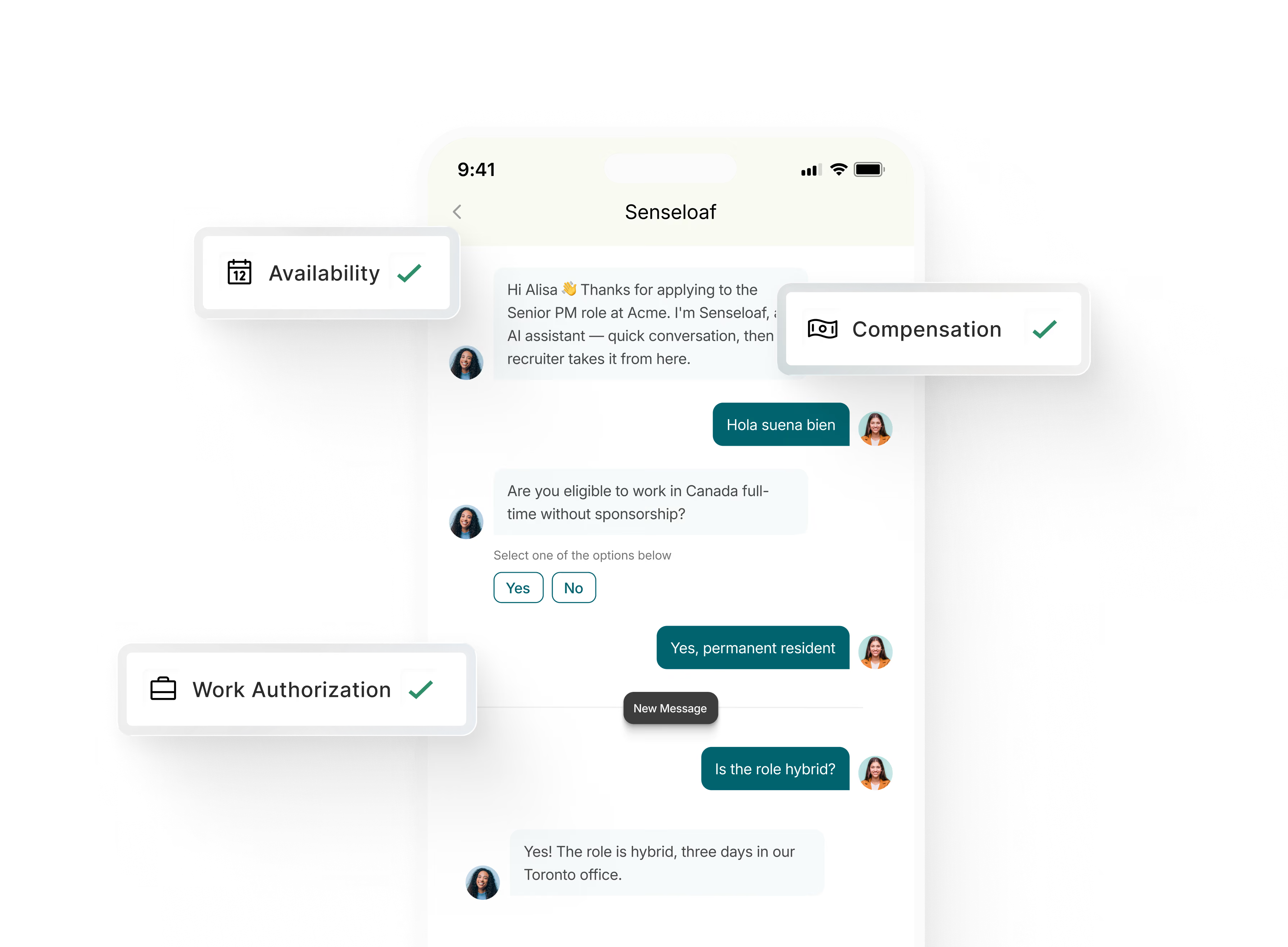
When you are on leave or covering a teammate's roles, candidates keep progressing from day one.

Stay present with every candidate

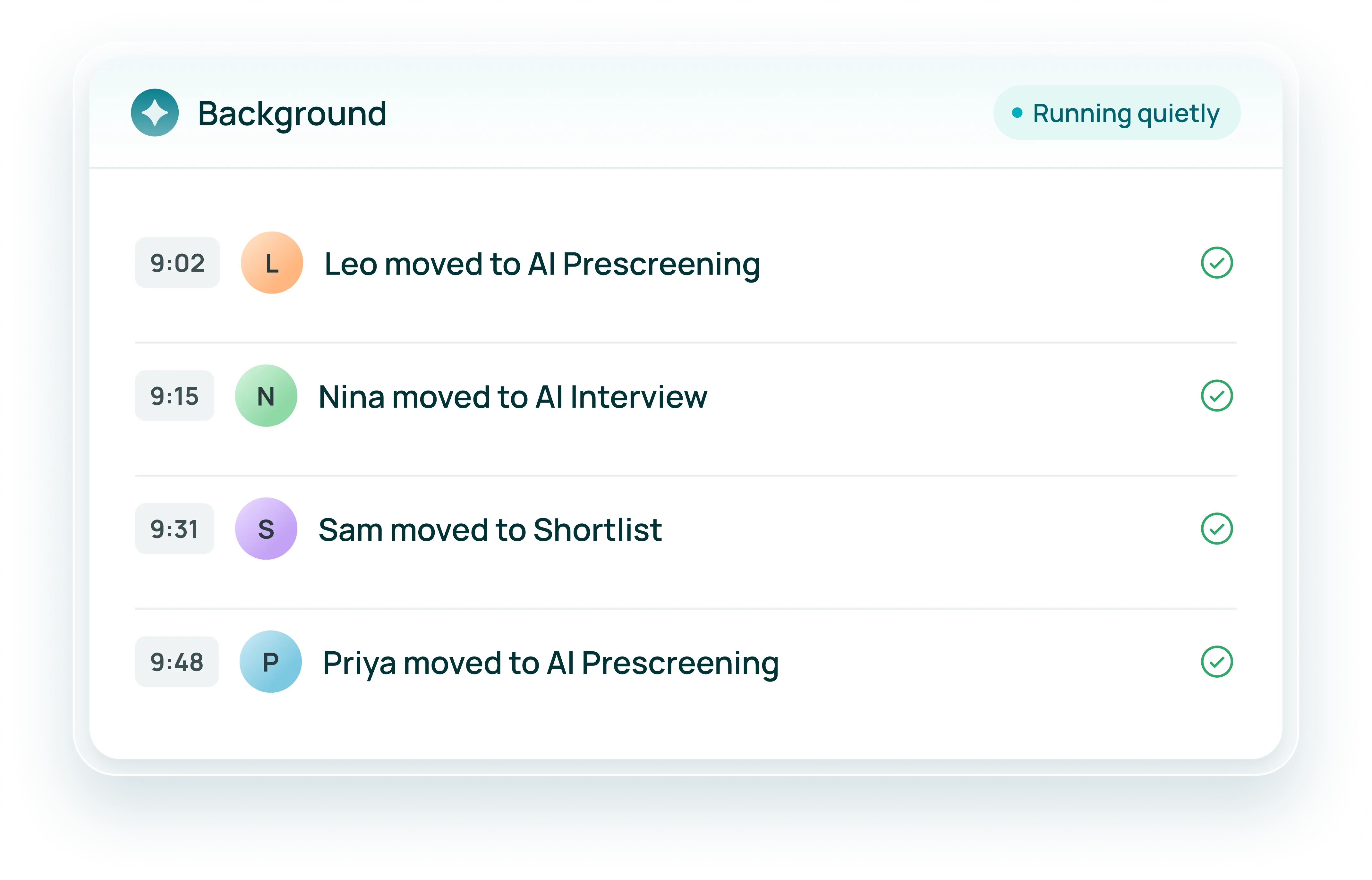
You focus on the conversation. New results move to the next step in the background.

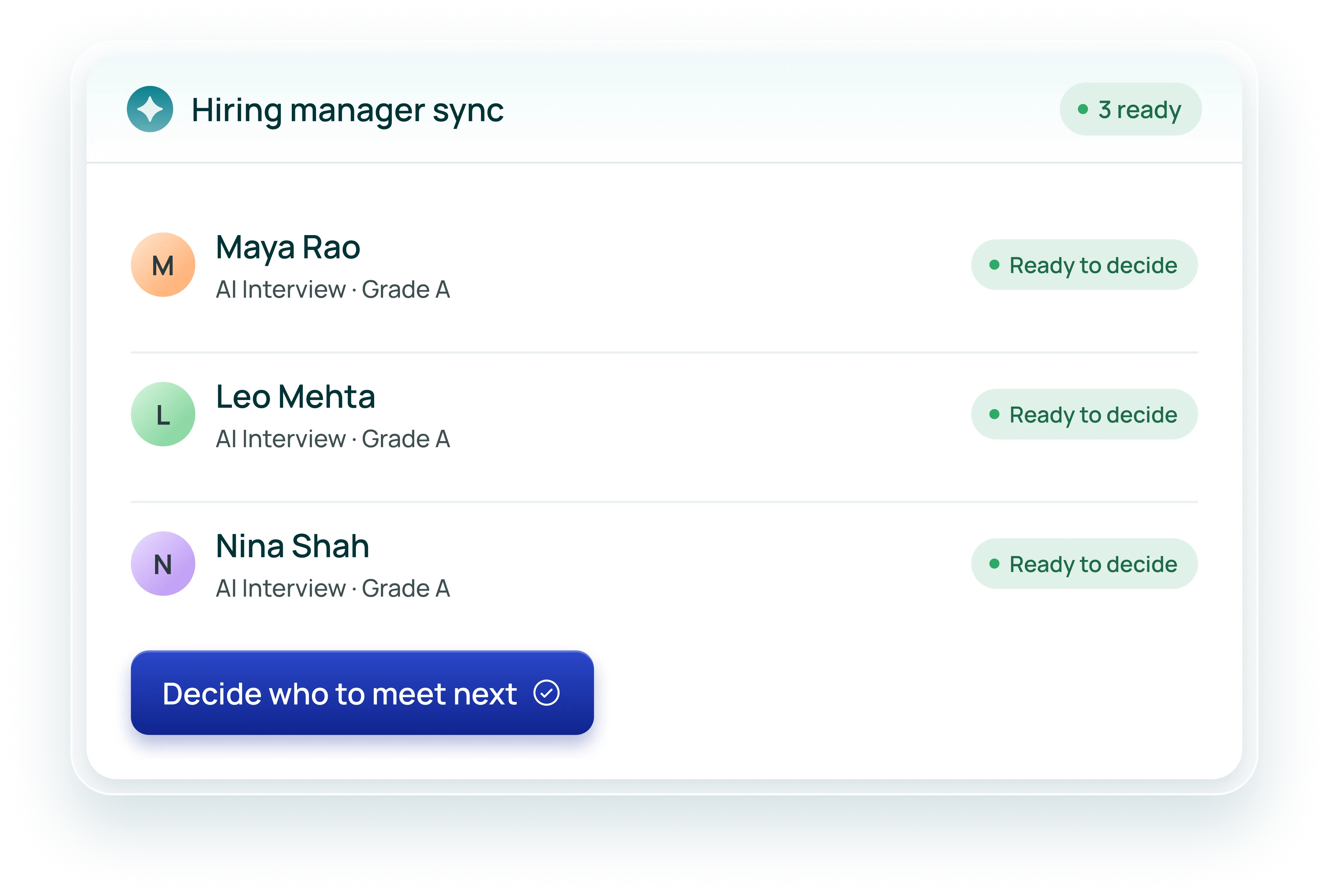
Walk into every sync prepared

Candidates are already at the right stage, so you and the hiring manager decide who to meet next.

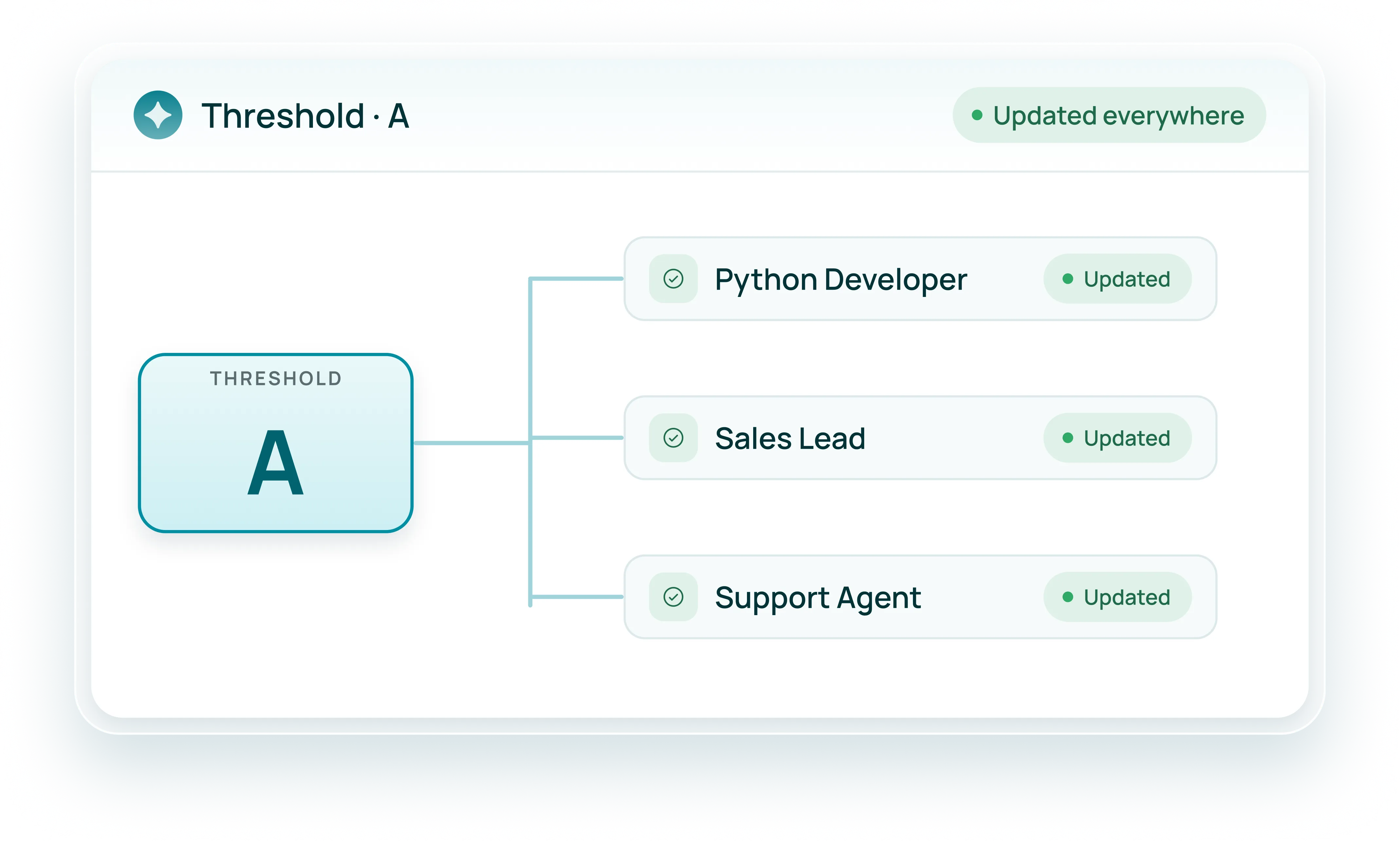
Update once, apply everywhere

Change a threshold one time, and every new candidate meets the new bar.

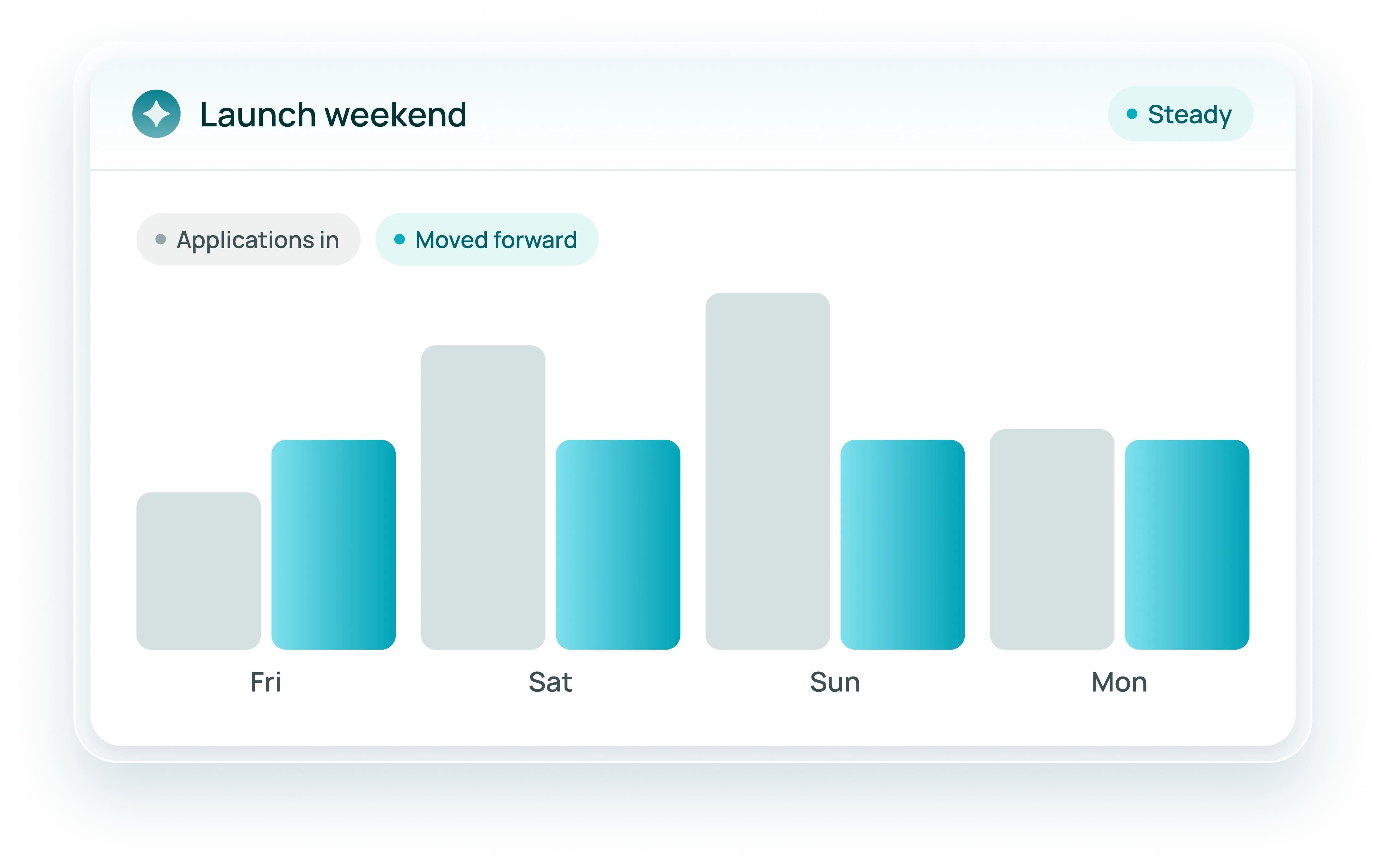
Big drives, steady pace

Launch seasonal drives, and start Monday with candidates already prescreened.

Handoffs handled, pipeline moving

Set your rules once, and spend your time on the conversations and decisions that need you.

SIA works with your existing hiring stack, as-is.

SIA connects to your existing ATS, reads candidate data where it lives, and writes scores, conversations, and interview results back where your team will actually find them.

No ATS? SIA runs the entire pipeline independently. Nothing gets in the way of hiring.

Integration Stack

FAIR FROM YOUR FIRST HIRE

Fair by design,
Fair to every candidate

Proctoring protects the candidates who do the work themselves. No one gets ahead with a stand-in or a second screen, and no one is rejected for a dropped connection.

View Trust Center →

When you review candidates

Human-in-the-loop
Bias and fairness testing
No face or body language analysis

Private by default

Zero training on customer data
No PII in AI models
Role-based access control

Secure and accountable

SOC 2 Type II
Complete audit trail
99.9% uptime

FAQs

What is SIA Routines?
Expand

SIA Routines is the hiring automation layer of your recruiting workflow. They are a set of rules that move candidates through your configured hiring stages based on their evaluation results. SIA handles the repetitive next steps, so recruiters don't need to check every result and start each stage by hand.

How does recruitment automation work in SIA Routines?

Each rule follows a simple logic: when something happens, check if a condition is met, then run an action. For example, when Resume Matching is complete and a candidate receives an A or B grade, SIA Routines can start AI Prescreening.

Which hiring stages can SIA Routines connect?

SIA Routines connect Resume Matching, AI Prescreening and AI Interview. This recruitment workflow automation triggers the next stage or moves candidates toward shortlisting when they meet the grade or score conditions your team defines.

Do I need to build SIA Routines from scratch?

No. SIA's recruitment automation software can suggest routines based on your role and configured hiring stages. You can accept the suggested rules as they are, customise them, start from a prebuilt routine for a common hiring scenario, or create your own rules from scratch.

Can I change SIA Routines after setting them up?

Yes. You can edit grade thresholds, change the next action, add or remove rules, and turn individual rules on or off. Your team can adapt SIA Routines as the role, hiring volume or process changes.

Does recruitment automation replace recruiters?

No. Recruiting automation tools like SIA Routines handle the repetitive movement between hiring stages. Recruiters still review the evidence, handle exceptions, adjust the process and make every hiring decision. SIA runs the rules. Your team stays in control.
Can I still move a candidate manually?

Yes. Manual controls stay available even when SIA Routines are active. Recruiters can trigger AI Prescreening or AI Interview for one candidate or many, whenever human judgment calls for it.

When do SIA Routines start working?

Only when your team turns them on. Rules are disabled by default, and automated movement begins once your team has reviewed the rules, enabled the ones it wants to use, approved the automation and activated the workflow. Manual candidate actions stay available separately.

Let's talk

Measure the work that moves the hire.

One shared view of hiring performance, and the next best move, for your whole team.

Senseloaf Tool Homepage