












SIA PAGES

Every recruiting workflow deserves its own view

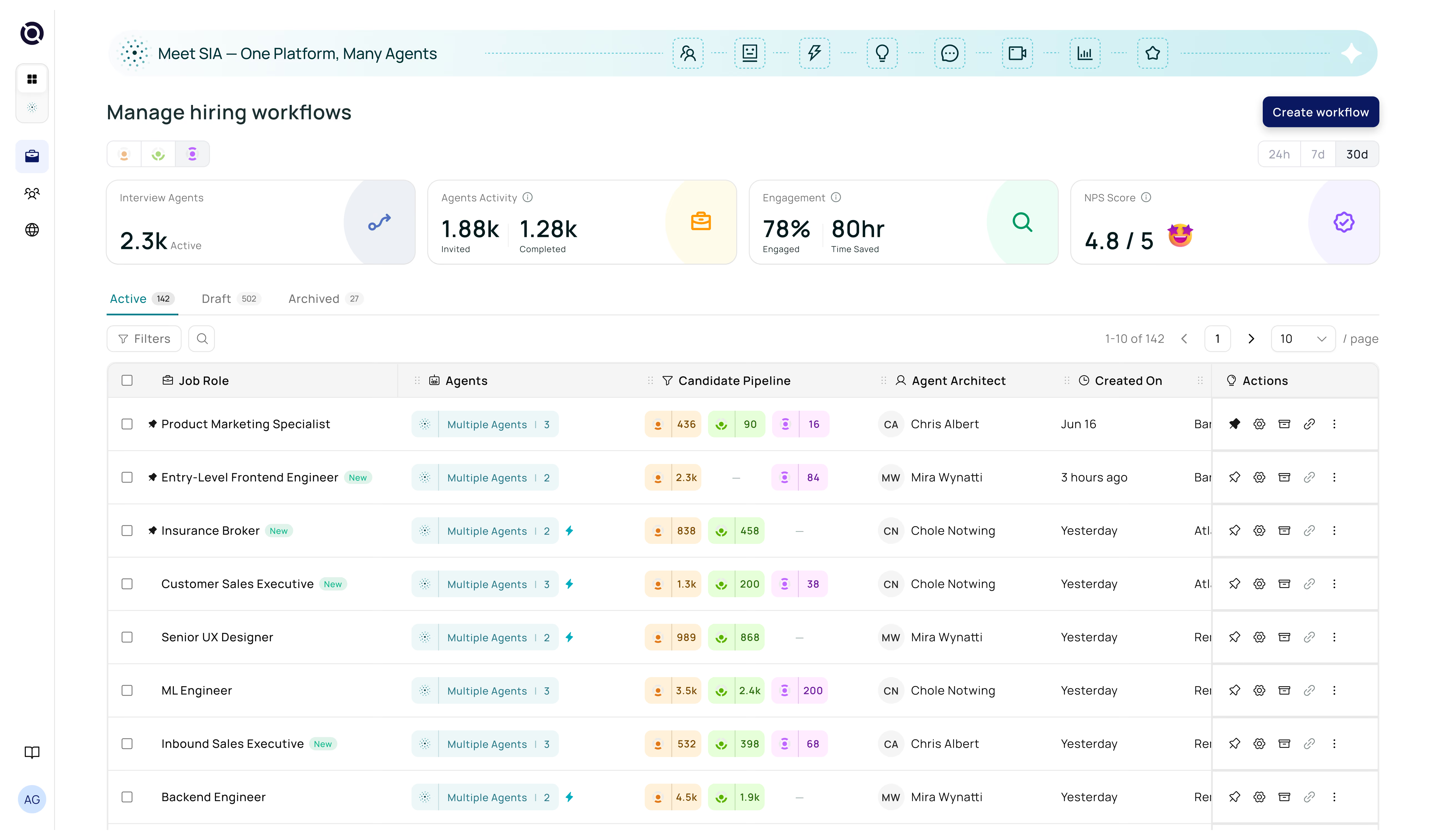
Tell SIA what you need – a hiring brief, a manager dashboard or a market snapshot. SIA builds it from your hiring data, keeps it current, and gives your whole team one link to work from.

Play Button DisabledPause Button Disabled
0:00
/
0:00
Volume OnVolume Disabled
Setting Disabled
576p
Fullscreen DisabledMinimize Disabled

You do the hiring, then you rebuild it over and over.

Each stakeholder asks for their own report. Each tool holds only part of the story. You spend more time putting the work together than doing it.

Shortlist

Your process bends to fit your tools.

Scattered tools keep briefs, evidence and updates in different places

Calendar

Every stakeholder wants a different view

Hours go into reshaping the same numbers for each person.

Your updates are old before they arrive

Updates get old as the pipeline moves faster than your report.

Feedback lives almost everywhere

Context gets lost across email, Slack and Zoom

From one request to a page your whole team can use

Tell SIA what you need, and it builds, updates, and shares the page with your team.

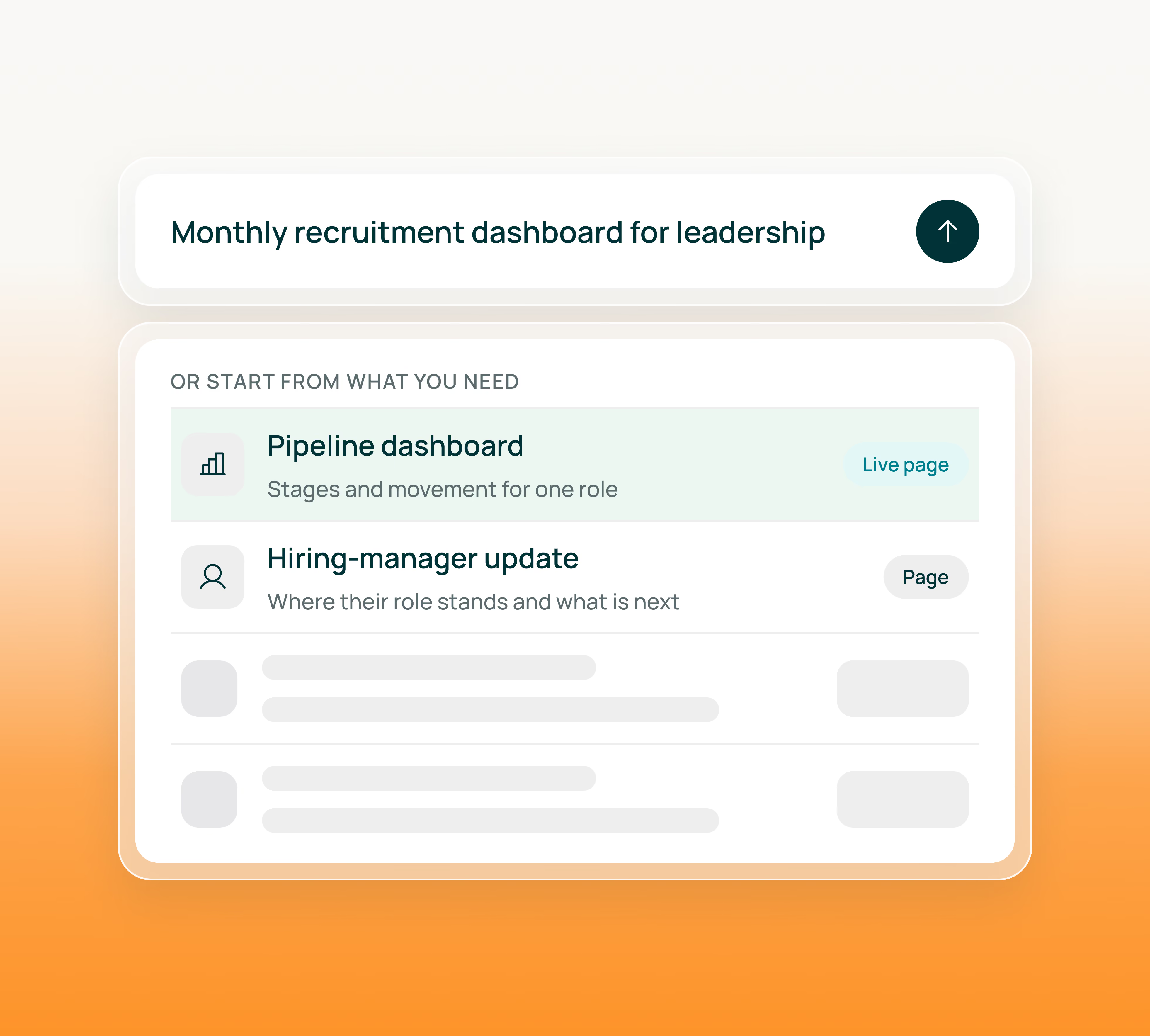
Ask for the page you need

“Create a monthly recruitment dashboard to provide leadership with visibility into hiring metrics.” Say it the way you’d tell a teammate.
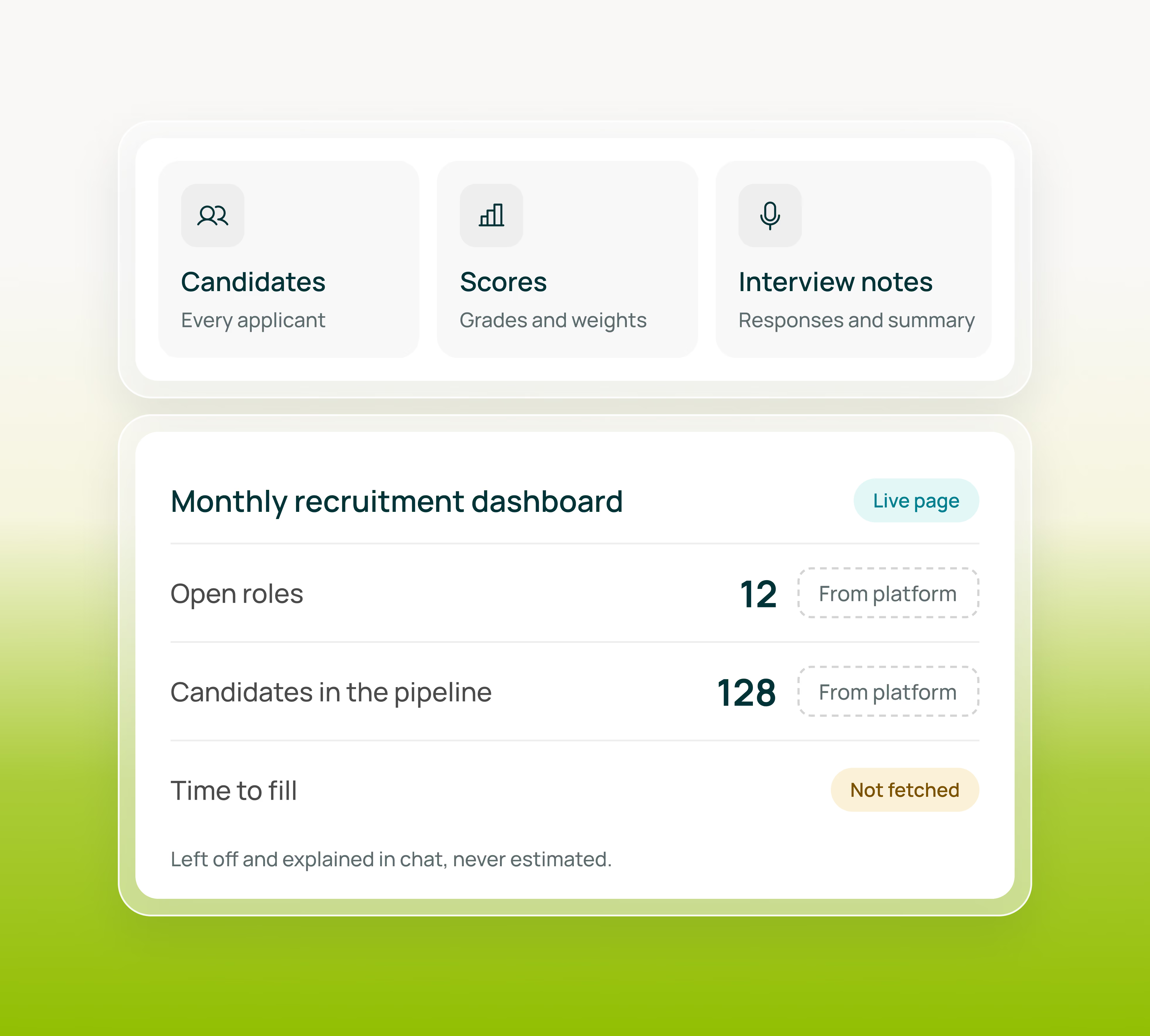
SIA pulls in the evidence

Candidates, scores, and interview notes come straight from the hiring data you already have.

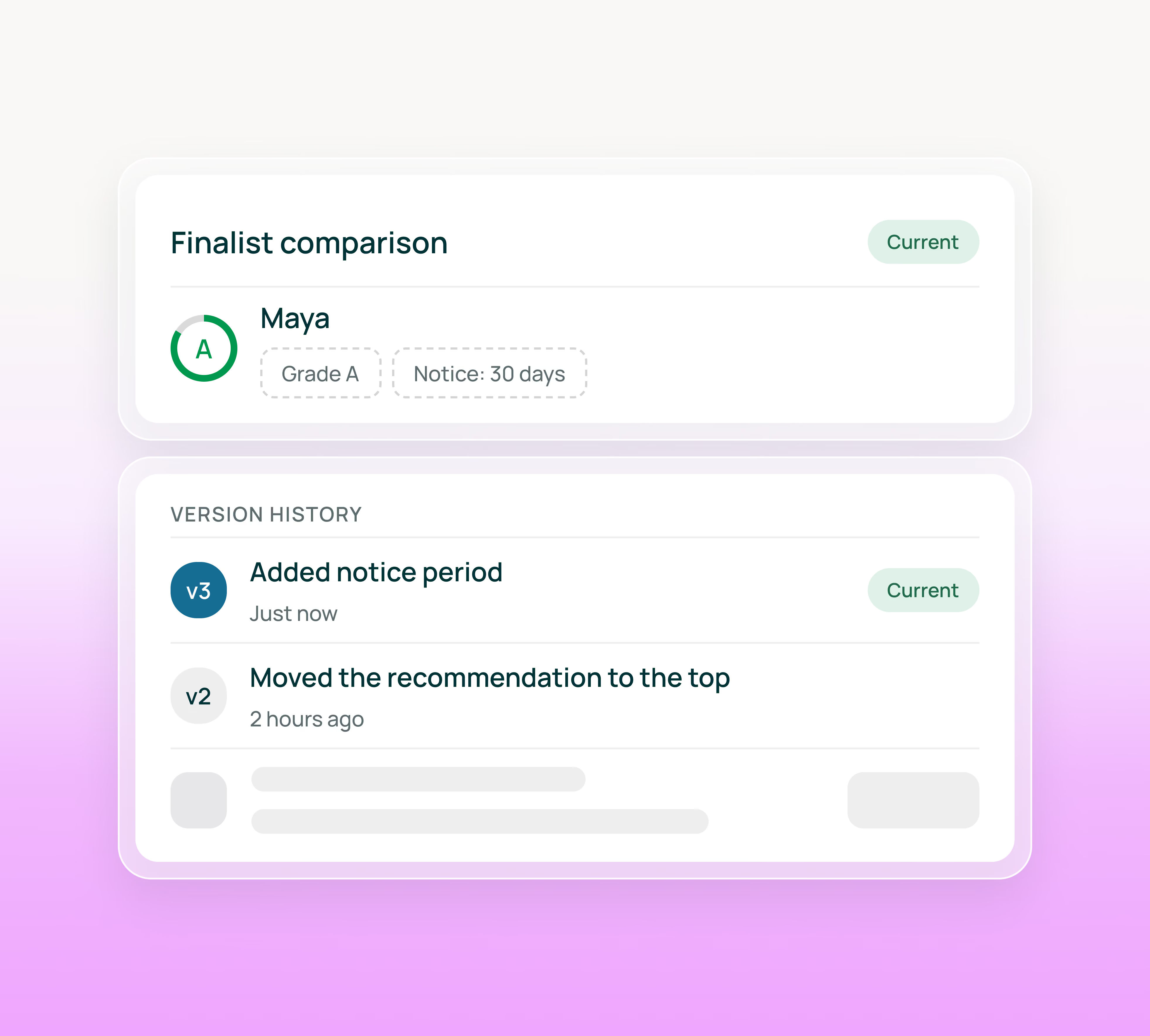
Shape it with your team

Edit it, comment on it, or ask SIA to change it, and every edit saves as a new version.
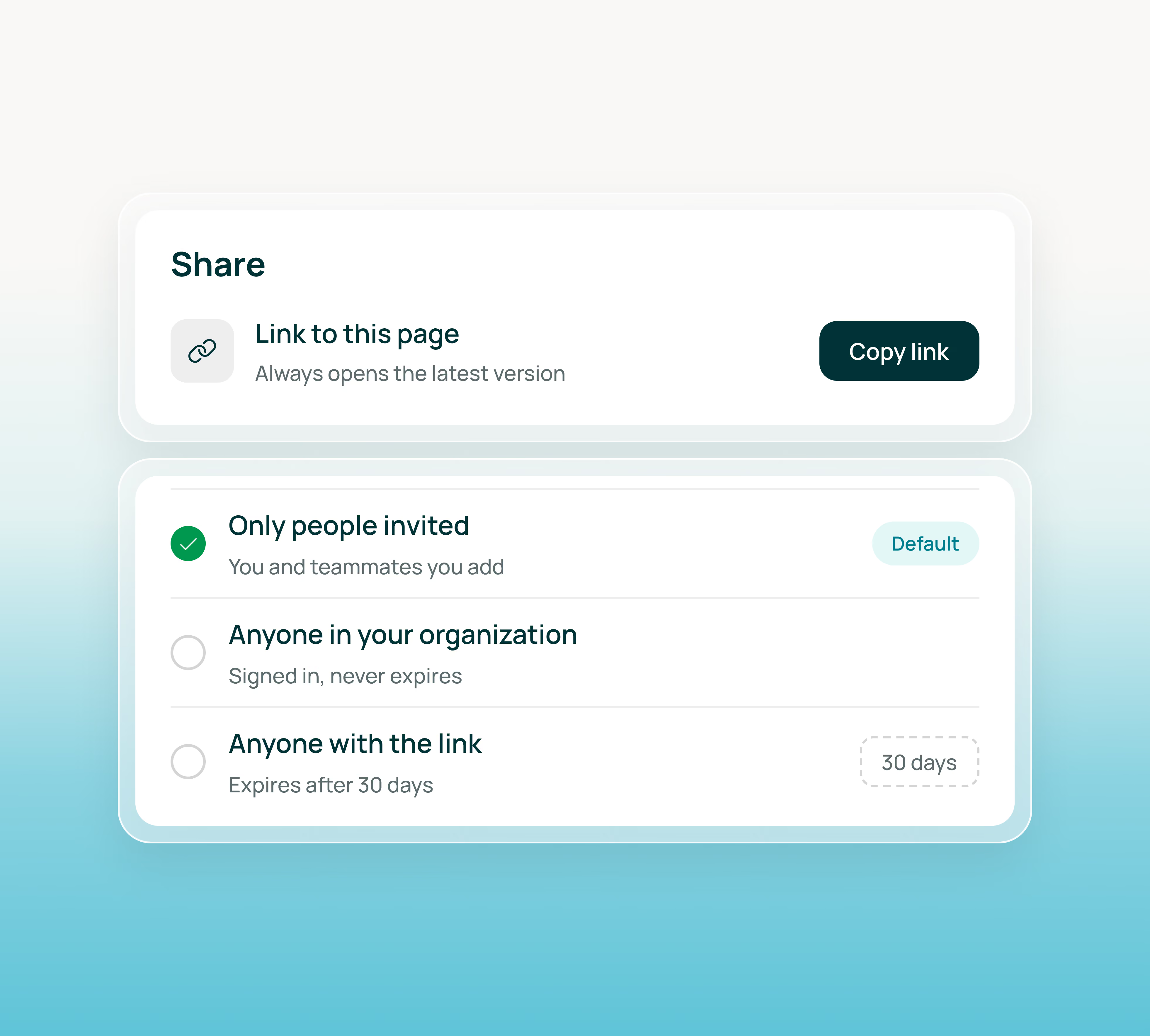
Share the latest version

One link always shows the newest page, so everyone works from one source of truth.
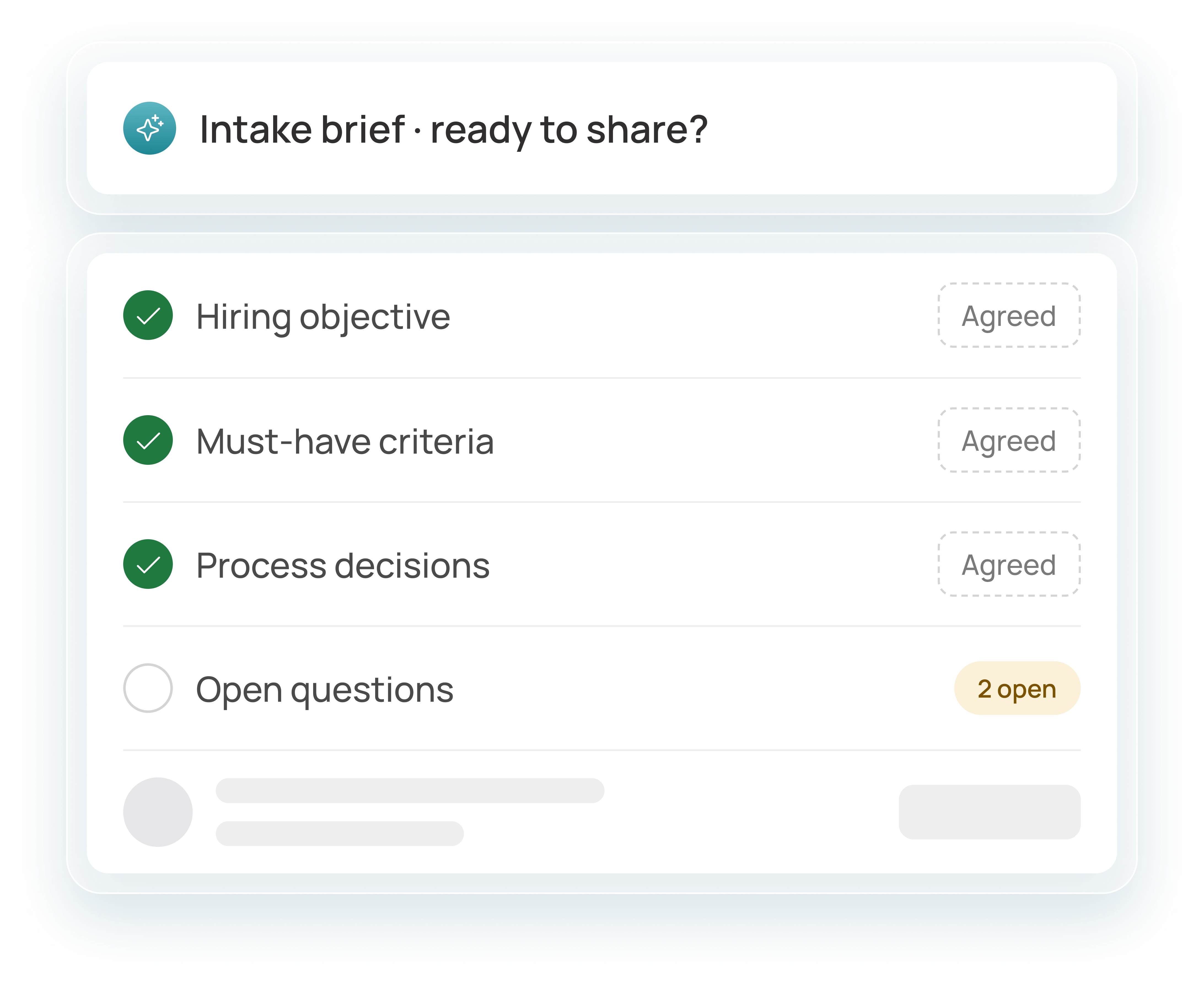
Every role starts with everyone aligned

One clear brief gives your team the outcomes, the limits, and the ideal candidate before the search begins.

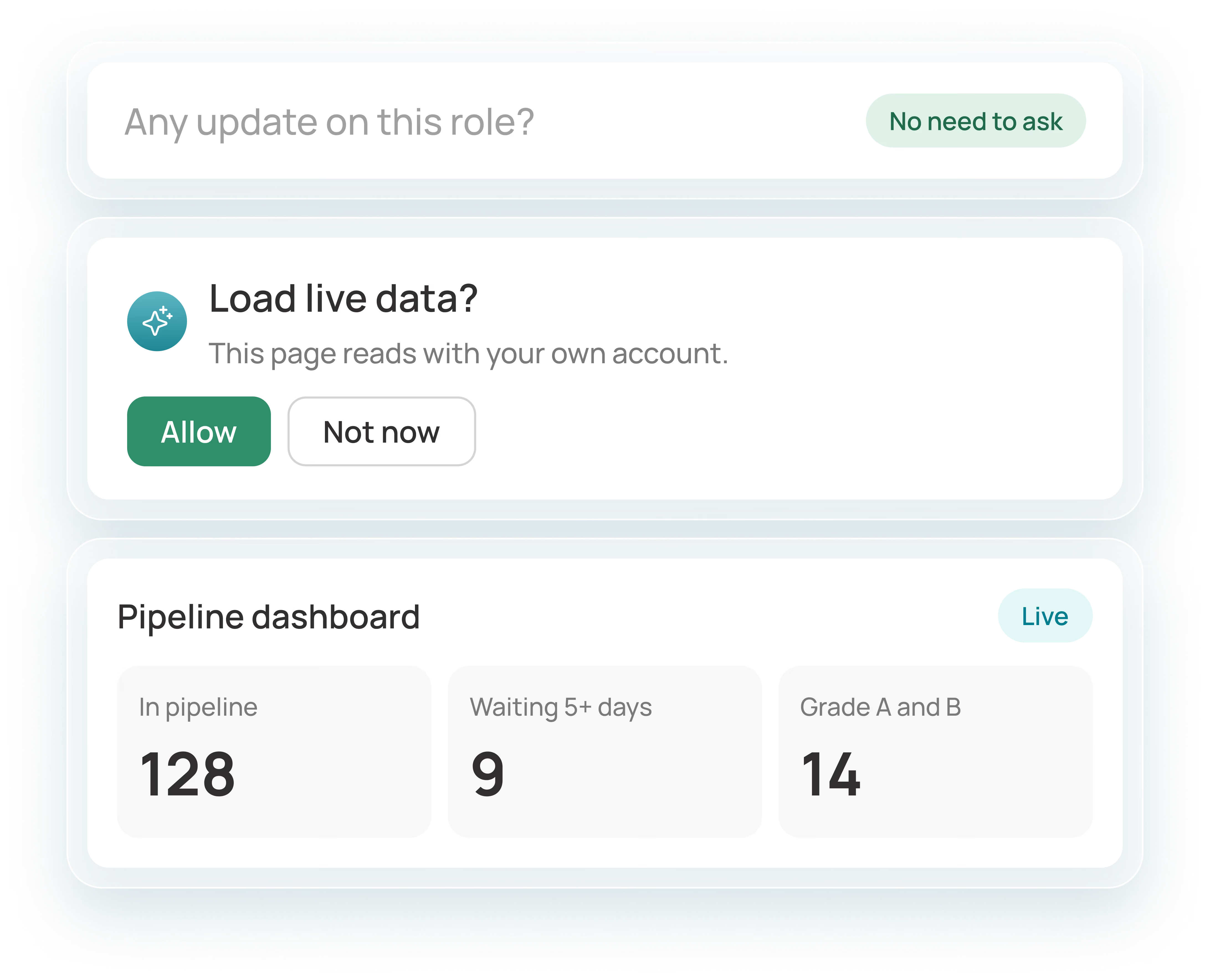
No more “any update on this role?”

Stakeholders see the progress, the evidence, and the decisions on their own, whenever they want.

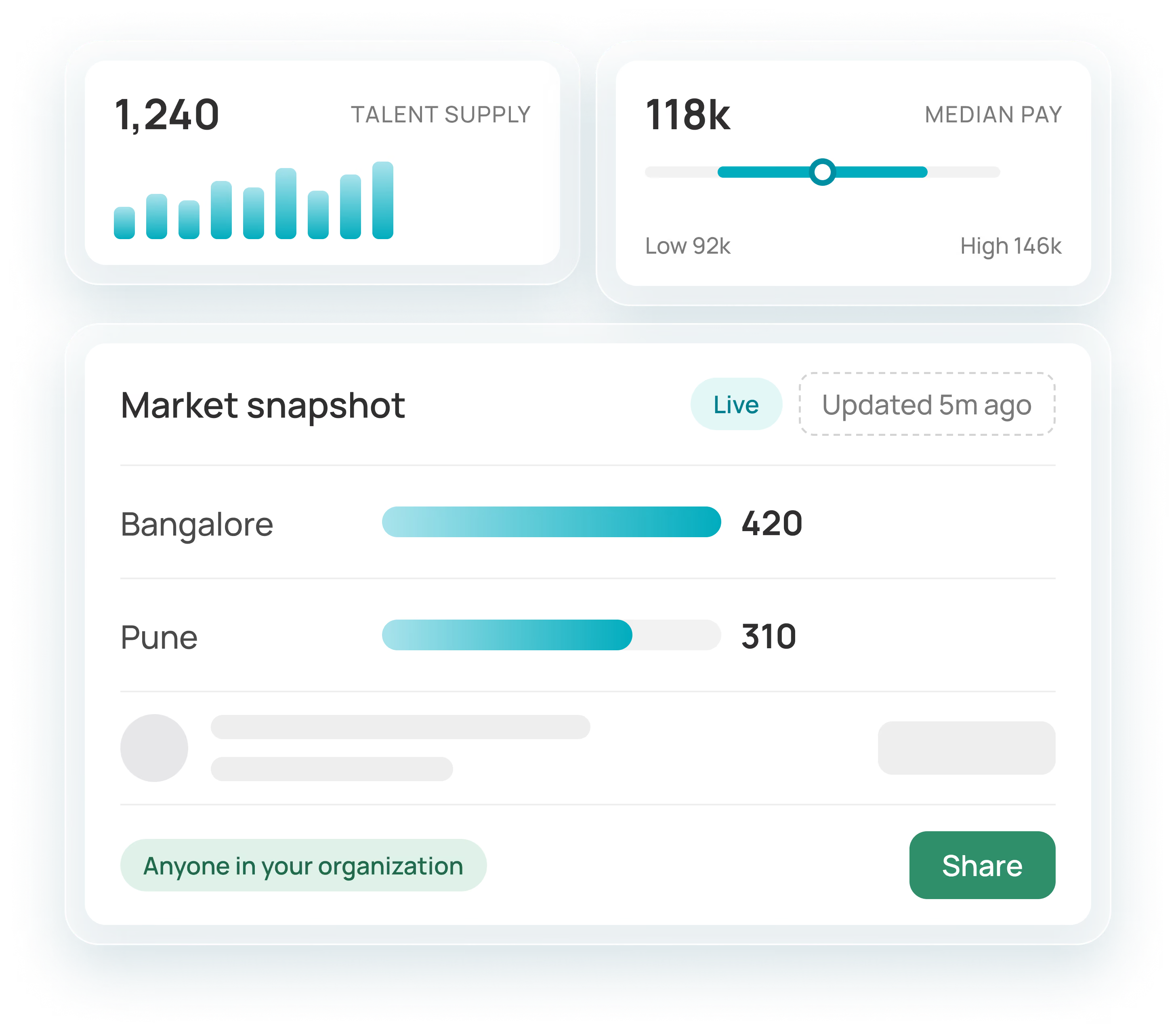
Walk into every conversation with current market facts

Talent supply and pay data that stays up to date and is ready to share with your leadership.

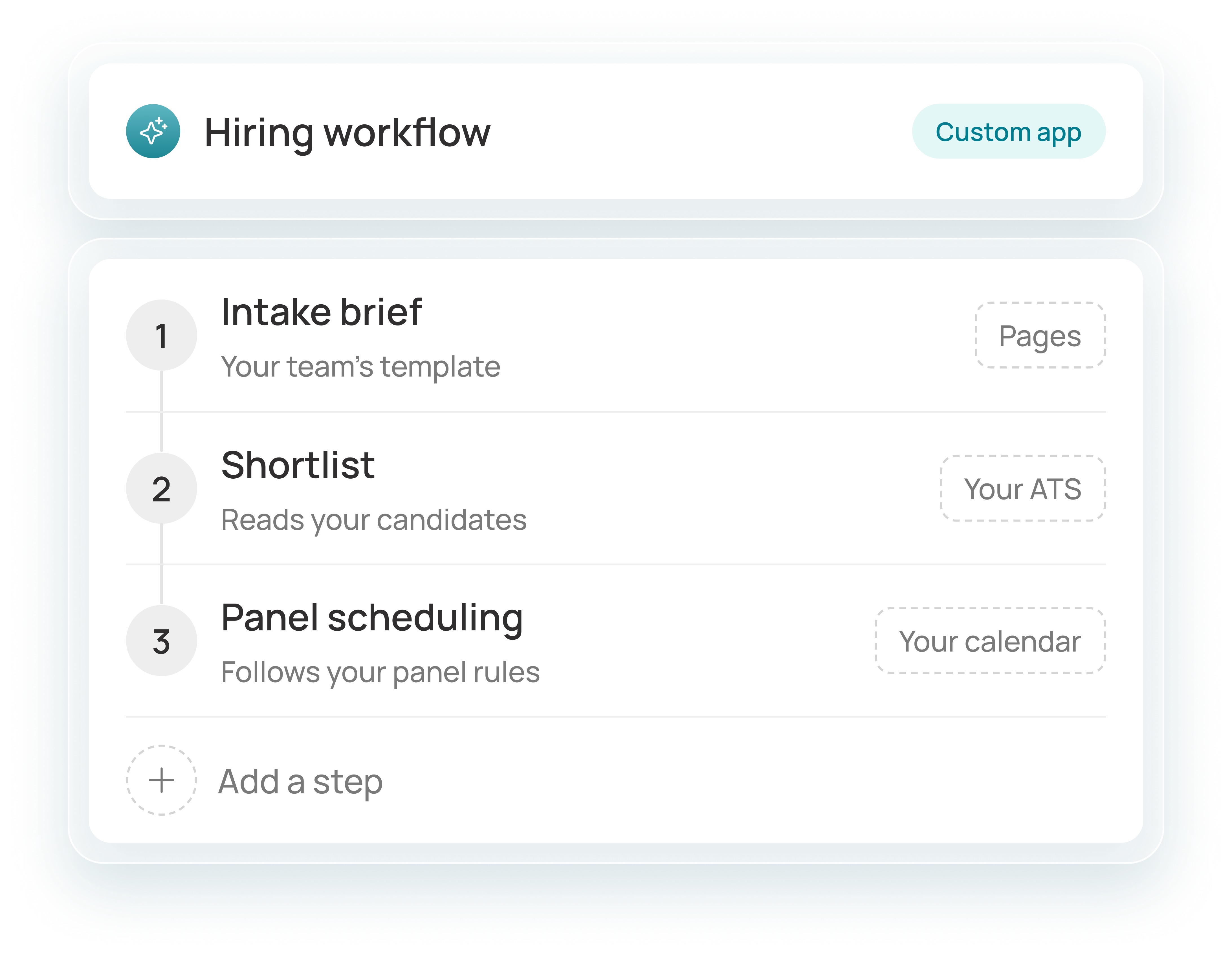
Work the way your team actually hires

Apps and agents built around your process and your tools, not around a vendor’s modules.

The pages your team needs, built the way your team hires

Spend less time explaining the work and more time doing it.

SIA works with your existing hiring stack, as-is.

SIA connects to your existing ATS, reads candidate data where it lives, and writes scores, conversations, and interview results back where your team will actually find them.

No ATS? SIA runs the entire pipeline independently. Nothing gets in the way of hiring.

Integration Stack

FAIR FROM YOUR FIRST HIRE

Fair by design,
Fair to every candidate

Proctoring protects the candidates who do the work themselves. No one gets ahead with a stand-in or a second screen, and no one is rejected for a dropped connection.

View Trust Center →

When you review candidates

Human-in-the-loop
Bias and fairness testing
No face or body language analysis

Private by default

Zero training on customer data
No PII in AI models
Role-based access control

Secure and accountable

SOC 2 Type II
Complete audit trail
99.9% uptime

FAQs

What is SIA Pages?
Expand

SIA Pages is a Senseloaf capability that builds the pages your recruiting team needs from a simple request. Ask for a hiring brief, a recruitment tracker, a client reporting dashboard, or a custom app. SIA builds it from your hiring data, shaped around how your team works.

What can recruiters build with SIA Pages?

Recruiters can build a candidate tracker, an interview scorecard, a recruiting intake form, hiring briefs, live market research portals, reports, approval tools, and decision records. You can also choose from 50+ custom agentic apps that work with your recruiting tech stack. Every page fits your process instead of a vendor's module.

How do I create a page in SIA Pages?

Describe what you need in your own words. For example: "Build a candidate scorecard for the top candidates for [role], and share it with the hiring managers." SIA pulls in the right hiring data and builds the page. You can then edit it, comment on it, or ask for changes.

Where does SIA Pages get its data?

SIA Pages uses the hiring data in your Senseloaf workspace, your ATS, your hiring tools, and the web. The important facts stay visible on the page. This makes stakeholder reporting clear, because everyone sees the evidence behind every recommendation and decision.

Can I share SIA Pages with my team members?

Yes. You share one link, and everyone sees the latest version of the page. A hiring manager portal gives hiring managers and clients a clear view of progress, evidence, and decisions. They can check where a role stands without asking you for an update.

Do SIA Pages work with my existing recruiting tools?

Yes. SIA Pages works with 50+ recruiting tools your team already uses every day. You do not need to replace your tools or move your process into a new system to start building pages.

How does SIA Pages keep everyone on the same version?

Every page has one link that always shows the newest version. Your team comments directly on the page, SIA updates it, and each edit saves as a new version. Your team gets one hiring tracker and one source of truth, instead of a candidate tracking spreadsheet and reports scattered across email and chat.

How do recruiters record hiring decisions in SIA Pages?

SIA Pages can create decision records that capture what was decided, why, and what happens next. Comments and decisions stay on the page with the evidence. Anyone can see later why a candidate moved forward.

Let's talk

Measure the work that moves the hire.

One shared view of hiring performance, and the next best move, for your whole team.

Senseloaf Tool Homepage