.png)



What Is an ATS?
If you've spent any time in HR, you've heard the term. But what is ATS — and what should an applicant tracking system actually do for your team? This article cuts through the jargon. For a quick acronym breakdown, see What Does ATS Stand For?
An Applicant Tracking System (ATS) is software that manages the full lifecycle of recruiting — from creating a job requisition to extending an offer — within a single, structured platform shared by all hiring stakeholders.
What an Applicant Tracking System Is
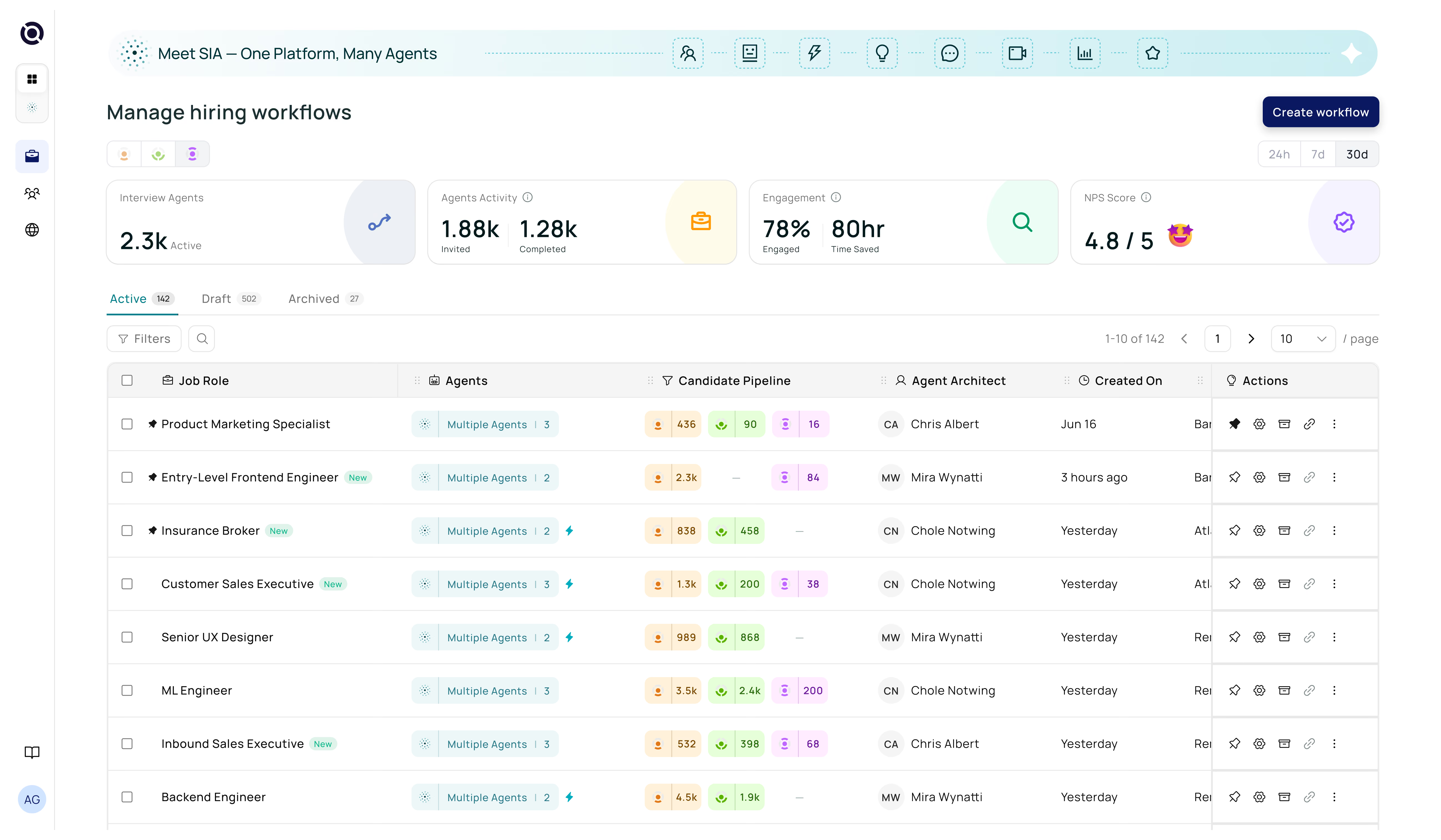
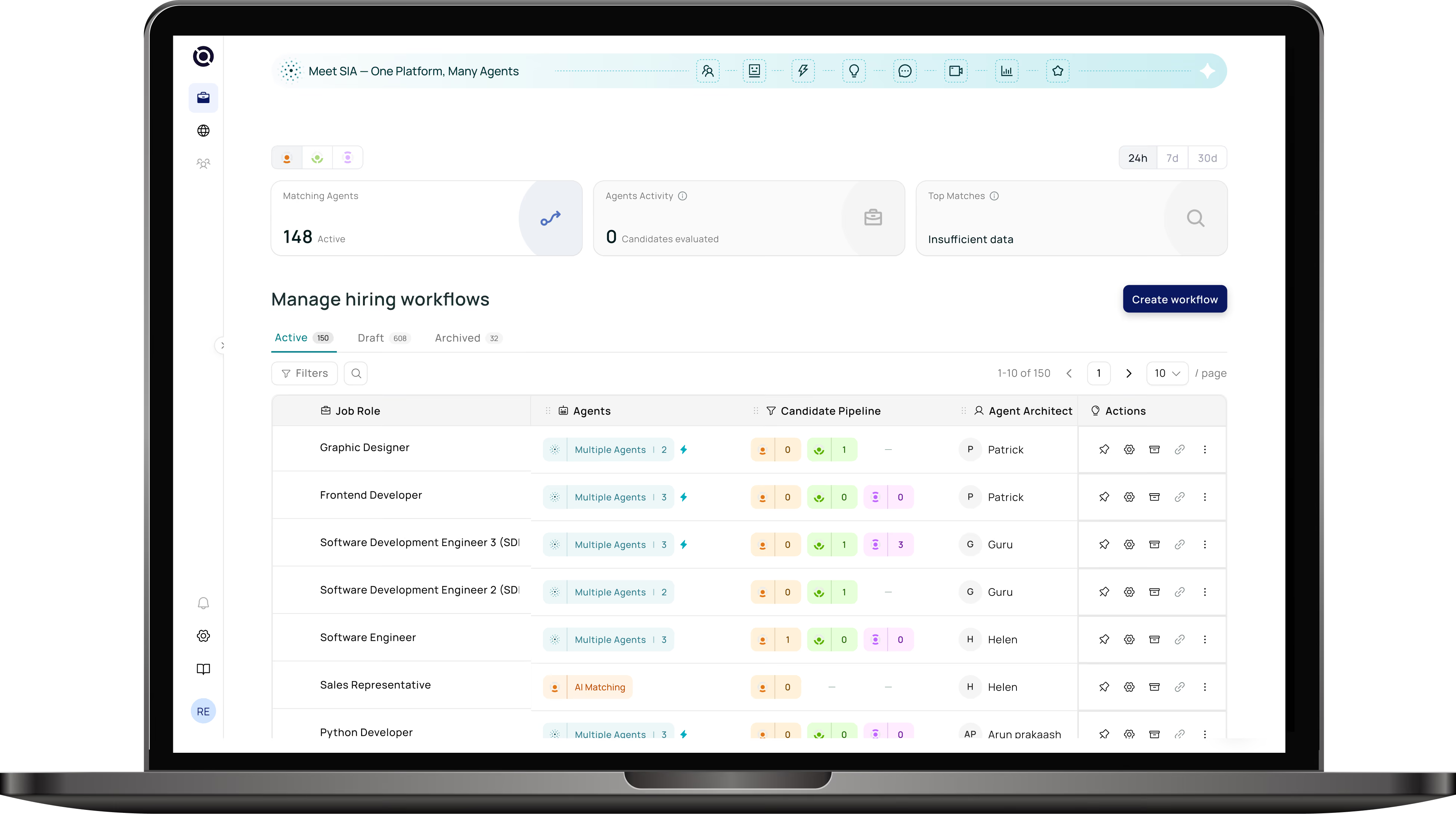
An ATS is fundamentally a workflow engine. It defines the stages a candidate moves through, who takes action at each stage, and what gets communicated when. It stores every application, captures structured feedback, and generates the reports that help you improve your hiring over time. To see those stages in detail, read How Does an ATS Work?
What ATS Is Not
Common misconceptions about applicant tracking system software:
The Right ATS Definition for Today
The most useful definition of ATS in 2025 is this: an ATS is the operating system for your recruiting team. Just as your phone's OS runs every app, your applicant tracking system runs every part of your hiring process. For an overview of related tools, see ATS and CRM: What's the Difference? and the full HR abbreviation glossary.
ATS and CRM
Two acronyms dominate modern recruiting: ATS (Applicant Tracking System) and CRM (Candidate Relationship Management). Many teams confuse the two — or use only one when they need both. Before diving in, make sure you're clear on what an ATS actually is and the full form of each acronym.
| Feature | ATS | CRM |
|---|---|---|
| Primary focus | Active applicants | Passive candidates |
| Stage | During hiring | Before & between hiring |
| Core action | Process applications | Nurture relationships |
| Data type | Applications & resumes | Interactions & pipeline |
| Triggers | Applications received | Roles opening, events |
| Best for | Execution | Strategy & sourcing |
The ATS: Your Hiring Execution Engine
The applicant tracking system activates when a candidate applies. It processes the application, moves the candidate through defined stages, coordinates interviews, and manages the offer. Think of it as the operational layer of recruiting. To understand those stages, see How Does an ATS Work?
The CRM: Your Talent Relationship Engine
The CRM works before and between job openings. It's where you store leads from events, passive candidates you've sourced, silver medalists from previous searches, and anyone who's expressed interest in your company. The CRM keeps those relationships warm so that when a role opens, you have a ready pool — not a cold search.
Most companies manage ATS and CRM in separate tools, creating data silos and duplicate work. Senseloaf unifies both in one platform — so your talent pipeline and your active hiring are always in sync. Learn more about using ATS and CRM software together.
Do You Need Both ATS and CRM?
Yes — if you hire more than occasionally. Companies that rely solely on an ATS are constantly starting searches from scratch. Companies that add a CRM layer build compounding advantages: shorter time-to-fill, lower sourcing costs, and higher quality of hire from known-good pipelines. For a unified approach, read ATS and CRM Software: Using Both Together.
A strong candidate who wasn't hired 6 months ago reaches back out. Which system should have their history?
✓ Correct! Silver medalists belong in your CRM with notes on why they were strong, ready to be fast-tracked when a role opens.
ATS and CRM Integration
When ATS and CRM systems are separate, recruiters manually copy data between them — losing context and time. When they're integrated or unified, every candidate has a single record from first touch to first day. This is central to ATS integrations strategy and a core part of any successful ATS implementation.
ATS Integrations
An applicant tracking system is most powerful when it doesn't operate in isolation. ATS integrations connect your hiring platform to the rest of your HR tech stack — creating seamless, automated workflows that eliminate manual data entry. If you're unsure how an ATS works on its own, start there first.
The Most Valuable ATS Integrations
- Job Boards — Indeed, LinkedIn, Glassdoor: post once, reach everywhere
- HRIS / Payroll — Workday, BambooHR: auto-transfer new hire data
- Video Interviews — HireVue, Zoom: schedule and record from inside ATS
- Background Checks — Checkr, Sterling: trigger checks from offer stage
- Calendar & Email — Google, Outlook: sync scheduling without leaving the ATS
- Skills Assessments — Codility, HackerRank: embed tests at screening stage
- CRM — Senseloaf natively unifies ATS + CRM in one platform
How ATS Integrations Work Technically
Most ATS integrations operate via APIs (Application Programming Interfaces) — standardised connections that allow systems to share data in real time. This is a key consideration in any ATS requirements evaluation and during ATS implementation.
When considering ATS and CRM software together, integrations are what allow candidate data to flow between the two systems. Read ATS and CRM Software: Using Both Together for the full strategy.
Before choosing an applicant tracking system, map your existing HR tech stack and ask vendors for a verified integration list. Native integrations are more reliable than third-party Zapier workarounds.
ATS Requirements
Choosing an applicant tracking system is a significant decision. This guide breaks down the functional and strategic ATS requirements your team should evaluate. Not sure what an ATS is or how it works? Read those first.
Work through each requirement with your hiring team. Use this as your evaluation scorecard when demoing vendors. Then move to our ATS implementation guide once you've chosen.
- Resume parsing with high accuracy across PDF, Word, and plain text
- Customisable hiring pipelines and stage workflows
- Multi-channel job posting (job boards, career site, social)
- Collaborative interview scheduling with calendar sync
- Structured interview scorecards and feedback capture
- GDPR / EEOC compliance and data privacy controls
- Reporting & analytics on TTF, TTH, source quality, DEI
- Native ATS integrations with HRIS, background check, and video tools
- Mobile-friendly interface for candidates and hiring managers
- AI-powered candidate ranking (not just keyword matching)