.png)



Introduction
Two years ago, "AI recruiting tools" meant one or two chatbot vendors and a handful of resume parsers. Today there are over 200 tools claiming to use AI in some part of the hiring process. Most of them are incremental. A handful are genuinely transformative.
This guide is for HR leaders and talent teams who need a practical framework — not a vendor list — to understand which categories of AI recruiting tools solve real problems, how to evaluate them, and how to sequence adoption so you actually see ROI.
If you're starting from first principles, read what AI in recruiting means first. If you already know the landscape and want to compare platforms, see AI recruiting platforms vs traditional ATS.
The 6 Categories of AI Recruiting Tools
Most AI driven recruiting tools fall into six functional categories. Understanding this taxonomy helps you evaluate your gaps — and avoid buying overlapping tools that do the same thing.
1. AI Sourcing Tools
Surface qualified candidates from job boards, LinkedIn, GitHub, and internal databases. Best at scale — finding passive candidates your job posting never reached.
2. AI Screening & Matching Tools
Rank and evaluate applicants automatically against job requirements. Replaces the initial resume review pass. The highest ROI category for volume hiring.
3. AI Interview Tools
Asynchronous video or voice interviews, structured question delivery, and AI-powered response analysis. Replaces the screening call for most volume roles.
4. AI Recruiting Assistants & Chatbots
Handle candidate engagement, FAQ responses, scheduling, status updates, and basic prescreening. Reduce recruiter inbox load significantly.
5. AI Analytics & Intelligence Tools
Predict time-to-fill, identify pipeline risk, analyse source quality, and surface workforce planning insights. Most useful for teams with data maturity.
6. Agentic AI Suites
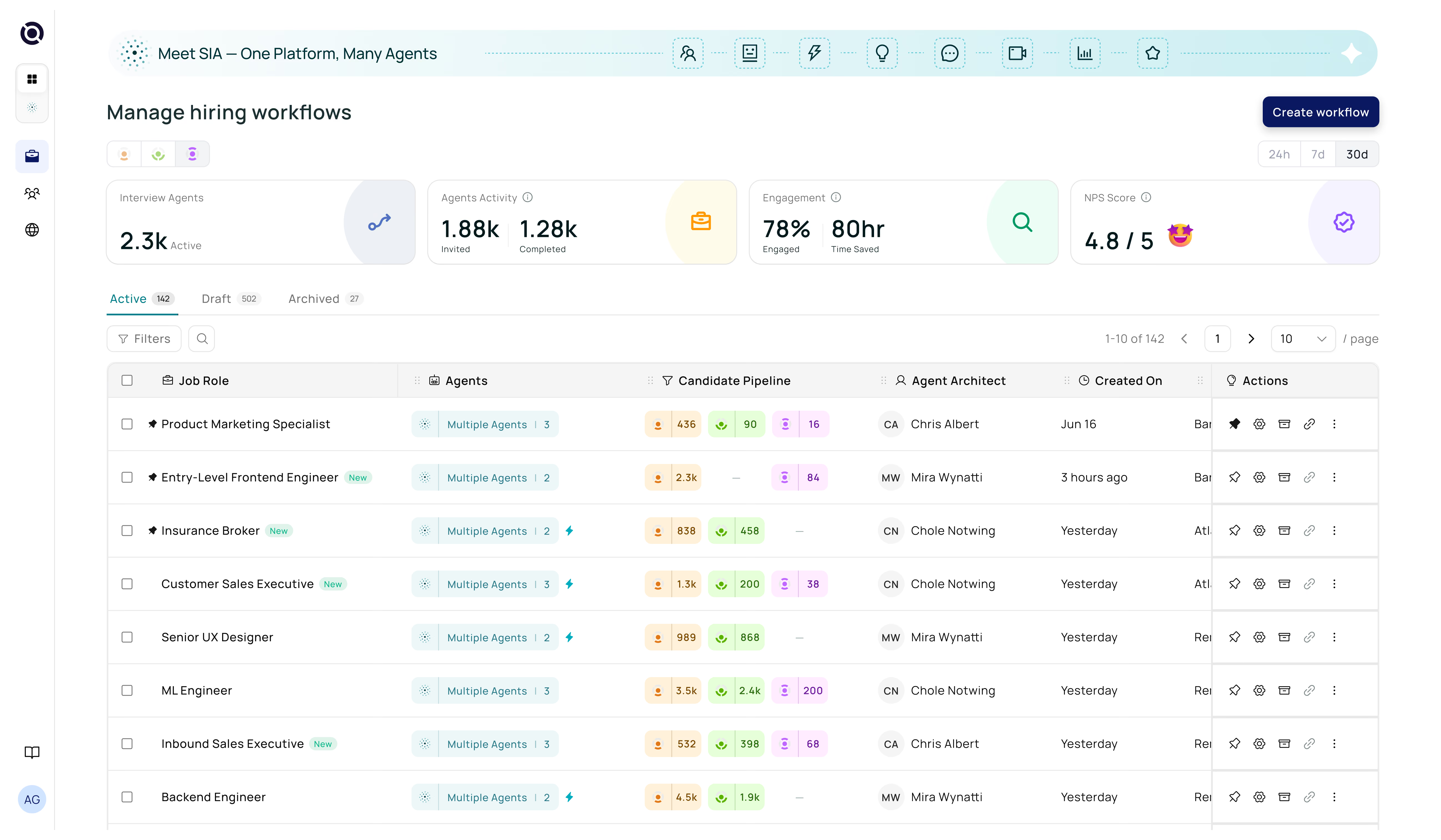
Multi-agent platforms that orchestrate sourcing, matching, screening, and engagement in one system. The newest and most powerful category — this is where Senseloaf plays.
The fastest ROI for most hiring teams comes from AI screening and matching tools — because they directly reduce recruiter time spent on the highest-volume, lowest-value task. Start there before adding sourcing or analytics layers.
AI Recruiting Tools Across the Hiring Funnel
The most effective way to think about best AI tools for recruiting isn't by vendor — it's by funnel stage. Here's how AI applies at each point:
Sourcing
AI scans profiles, internal databases, job boards, and social platforms to identify qualified candidates. Tools like Senseloaf's AI Candidate Matching Agent match your open roles against a candidate database in seconds — surfacing people you'd never find through manual sourcing.
Application Screening
Every inbound application is parsed, evaluated, and ranked. The recruiter sees a shortlist of the strongest candidates — not a pile of 250 resumes. Read the full breakdown in our AI candidate screening guide.
Prescreening & Engagement
An AI recruiting assistant or voice agent engages shortlisted candidates automatically — answering questions, asking role-specific prescreen questions, and capturing responses. This replaces the 15-minute phone screen for most roles. How AI voice agents are transforming this stage →
Structured Interviews
AI interview tools deliver consistent questions, analyse responses, and score competencies — reducing interviewer bias and making panel debrief more structured. Senseloaf's AI Interviewer Agent AI interviewer runs adaptive structured interviews that surface signal a resume never could.
Post-Hire Analytics
Track which sources produce the best hires, model time-to-fill risk on open roles, and identify where candidates drop out of your pipeline. This feeds back into every stage above.
How to Evaluate AI Recruiting Tools: The 6-Question Framework
Before committing to any AI recruiting tool, put it through this framework. It surfaces the questions that matter and the red flags most buyers miss until post-purchase.
| Question | What You're Testing | Red Flag |
|---|---|---|
| Does it explain its decisions? | Transparency and debuggability | A score with no reasoning attached |
| Does it integrate with your ATS? | Workflow friction and data completeness | Requires full migration or custom dev work |
| How does it handle bias compliance? | Legal and regulatory risk | No audit trail, no bias testing documentation |
| What does the candidate experience feel like? | Employer brand impact | Robotic, form-like interactions |
| Can you configure it per role? | Precision vs. one-size-fits-all | Fixed scoring rubric across all jobs |
| Does it improve over time? | Learning vs. static rules | No feedback loop from recruiter decisions |
For a more detailed version of this framework, Senseloaf has published a full guide on how to choose the right AI recruiting tool — covering vendor selection criteria, red flags, and questions to ask in demos.
Build vs. Buy vs. Bundle: Choosing Your Path
Point Solutions (Best-of-Breed)
Buy a dedicated tool for each stage — one sourcing tool, one screening tool, one interview platform. Pros: best-in-class functionality at each stage. Cons: integration complexity, data silos, and high per-tool cost. Works best for enterprise teams with dedicated RevOps or HR-Tech functions.
All-in-One AI Recruiting Platforms
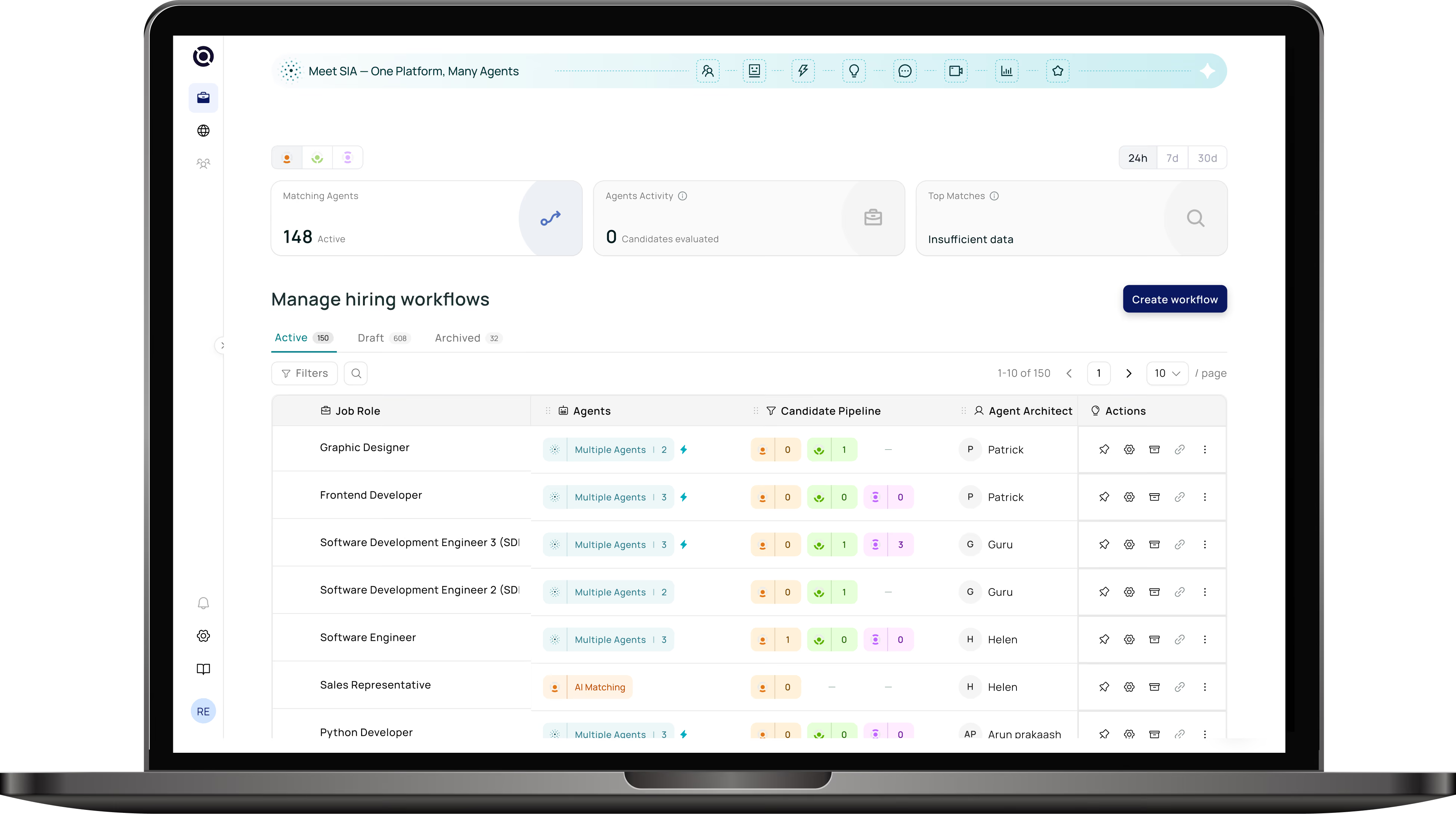
A single platform covers sourcing, screening, prescreening, and interviews. Data flows between stages automatically. Easier to deploy, maintain, and train teams on. This is the model Senseloaf's agentic AI platform is built on — agents that orchestrate the full recruiting workflow end to end.
ATS Add-Ons
Some companies bolt AI features onto existing ATS systems. These are often the weakest option — ATS vendors are workflow tools, not AI-first companies. If your ATS offers "AI screening," compare its explainability, accuracy, and configurability carefully against purpose-built tools before assuming it's sufficient. See the detailed comparison in AI recruiting platforms vs traditional ATS.
AI staffing tools are specifically designed for high-volume, contingent, or temporary workforce hiring — with features like shift matching, compliance tracking, and worker redeployment. AI recruiting tools generally focus on permanent hires. If you're in staffing, look for tools built for that workflow specifically, not repurposed corporate recruiting software.
The Honest Reality: What AI Recruiting Tools Can't Do
Good vendors will tell you this. Bad ones won't.
- AI tools can't replace cultural judgment. They can surface fit signals, but the human assessment of whether someone will thrive in your specific team is still yours to make.
- AI tools can't fix a broken process. If your hiring workflow is slow because of approval bottlenecks and unclear criteria, AI will just automate a broken loop faster.
- AI tools aren't set-and-forget. They need configuration, feedback, and monitoring. Treat them like a new team member — onboard them properly.
- AI tools produce the best results when humans stay in the loop. Recruiter overrides, hiring manager feedback, and post-hire quality data are what make AI systems improve over time.
Where to Start
If you're building an AI recruiting capability from scratch, start here:
- Audit your biggest time drains in the current process (usually: screening, scheduling, candidate comms)
- Pick one stage and solve it well — don't try to automate everything at once
- Pilot on a subset of roles, measure time-to-screen and quality-of-shortlist against baseline
- Expand once you've validated the tool works with your specific candidate profiles and job types
For the full funnel picture, read AI in talent acquisition from sourcing to hire. For a closer look at how modern AI platforms compare to legacy systems, see the complete AI recruitment guide.