.png)



Introduction
91% of HR leaders say AI is necessary for long-term hiring success, and Gartner predicts chatbots will become a primary service channel for 1 in 4 organizations. Here's what modern recruitment chatbots actually do — and how to use one that goes far beyond FAQ scripts.
Recruiting teams are under more pressure than ever — rising application volumes, shrinking headcount, and candidates who expect instant responses at every stage. Chatbots in recruitment have evolved from simple FAQ scripts into intelligent, role-aware agents that screen, assess, and engage candidates around the clock — without adding to anyone's workload.
This guide covers everything talent teams need to know: what modern recruitment chatbots do, how they impact both candidate experience and team productivity, and how the Senseloaf AI Prescreening Agent delivers all of it natively inside your hiring workflow.
What Is a Recruitment Chatbot?
A recruitment chatbot is an AI-powered conversational agent that automates candidate interactions throughout the hiring pipeline — from answering initial questions about a role, to conducting structured prescreening conversations, to coordinating interview schedules. Unlike simple rule-based bots that follow predetermined scripts, modern AI recruiting chatbots use natural language processing to understand context, adapt to candidate responses, and evaluate fit against role-specific criteria.
The result is a hiring experience that feels conversational and responsive for candidates — while delivering structured, scoreable data to recruiters without requiring a single manual interaction.
Early recruitment chatbots were glorified FAQ pages — they answered common questions and collected contact details. Today's AI recruiting chatbots conduct full prescreening conversations, assess eligibility and role alignment, surface soft skills signals, apply disqualifier logic, and write structured summaries directly into your ATS. The gap between then and now is significant.
Why Chatbots in Recruitment Are No Longer Optional
The hiring volume problem is accelerating — and the data from authoritative sources tells a clear story. According to Gartner, chatbots are on track to become the primary service channel for roughly one in four organizations, and already 38% of HR leaders have either piloted or implemented generative AI in their workflows. Meanwhile, chatbots in recruitment are no longer experimental: HBR's landmark study of 326 senior business and HR leaders found that 91% believe optimizing hiring processes with AI is necessary for long-term business success.
On the candidate side, 68% of candidates prefer AI-enhanced processes for initial screenings, while 73% couldn't even tell whether they were interacting with a bot or a human — meaning a well-built recruitment chatbot doesn't compromise the experience, it enhances it. And for Gen Z and Millennial candidates — now the largest segment of the workforce — acceptance of AI recruiting tools is 34% higher than older demographic groups.
| Hiring Challenge | Without a Chatbot | With an AI Recruiting Chatbot |
|---|---|---|
| Response time to new applicants | Hours to days, depending on recruiter availability | Immediate — 24/7, any time zone |
| Early-stage screening consistency | Varies by recruiter and call volume | 100% consistent across all candidates |
| Candidate drop-off between stages | High — silence breeds disengagement | Reduced with instant follow-up |
| Recruiter time per screened candidate | 15–30 minutes per phone screen | Near zero — AI handles, summarises, scores |
| Bias risk in early evaluation | Present — varies with reviewer and fatigue | Minimised with structured, criteria-driven questions |
| After-hours candidate engagement | Not available | Fully automated, always on |
7 Ways Recruitment Chatbots Improve Hiring
- Instant Candidate Engagement at Scale. The moment a candidate applies, an AI recruiting chatbot can send an acknowledgment, answer role-specific questions, and initiate prescreening — all without any recruiter involvement. This removes the most common source of candidate frustration (silence after applying) and keeps high-intent candidates moving through the funnel rather than accepting competing offers.
- Structured, Role-Aware Prescreening. A modern AI recruiting chatbot doesn't ask generic questions — it conducts structured, role-aware conversations tailored to the specific requirements of each position. It validates eligibility, assesses availability, explores relevant experience, and flags disqualifying responses automatically. Every candidate is evaluated consistently against the same criteria, removing the variability that undermines early-stage quality.
- A Better Candidate Experience. 66% of job applicants accepted an offer because of a positive candidate experience — and 49% have turned down an offer due to a poor one. A recruitment chatbot that responds instantly, communicates clearly, and moves candidates forward without lengthy waits signals organizational professionalism from the very first touchpoint. Candidates appreciate being treated as more than a resume in a queue.
- 24/7 Availability Across Every Time Zone. Recruiting doesn't stop at 5pm — and neither do candidates. An AI chatbot engages applicants at any hour, across any time zone, without requiring on-call recruiters or next-business-day delays. For global hiring, distributed teams, or high-volume roles, this around-the-clock availability is a fundamental competitive advantage.
- Consistent, Scoreable Data for Every Candidate. Human phone screens produce notes in varying formats, with varying levels of detail, influenced by the time of day and the number of calls already taken. An AI recruiting chatbot produces structured, scoreable summaries for every candidate — applying the same scoring logic and disqualifier rules regardless of volume, time, or sequence. This data feeds directly into your ATS, enabling reporting and comparison at scale.
- Fairer, More Consistent Evaluation. Unconscious bias in early-stage screening is well-documented and difficult to eliminate through training alone. A recruitment chatbot that evaluates all candidates against identical role-specific criteria — without awareness of names, genders, or demographic signals — removes a significant source of inconsistency. This supports fairer hiring and builds the evidence trail that compliance and audit requirements demand.
- Meaningful Cost and Time Savings. The average cost-per-hire globally stands at $4,683, and a significant portion of that cost is recruiter time spent on early-stage tasks that add limited strategic value. By automating initial screening, prescreening, and follow-up communication, chatbots in recruitment free recruiters to focus on the high-value interactions — final-stage interviews, offer negotiations, and relationship-building — that actually require human judgment.
How Chatbots Improve Recruiter Productivity
The productivity case for recruitment chatbots isn't theoretical — it's measurable and consistent across industries. Understanding how chatbots improve recruiter productivity comes down to one fundamental shift: they eliminate the repetitive, high-volume tasks that consume the majority of a recruiter's day, leaving only the high-judgment work that truly requires a human.
| Task | Before AI Chatbot | After AI Chatbot | Time Saved |
|---|---|---|---|
| Answering applicant FAQs | Manual response to each inquiry | Chatbot handles the majority without human intervention | Significant |
| Initial prescreening calls | 15–30 min per candidate | Fully automated, structured chat flow | 100% of screen time |
| Interview scheduling | Back-and-forth email coordination | Self-serve booking via chatbot | Significant time savings (HBR) |
| Application acknowledgment | Manual or delayed batch emails | Instant automated confirmation | All acknowledgment time |
| Shortlist creation | Manual review of all applications | Scored, ranked summaries in ATS | 50%+ reduction |
| Between-stage follow-ups | Manual outreach, often delayed or missed | Automated status updates and nudges | Eliminates manual follow-up entirely |
Across these tasks, teams using AI chatbots consistently reclaim significant recruiter hours per week — time reinvested into candidate relationship-building, hiring manager alignment, and strategic talent planning. HBR's research on AI in talent acquisition found that 97% of organizations that adopted automation in their hiring process said it helped them hire more effectively, accelerated interview scheduling, and reduced candidate drop-off. Gartner reinforces this trajectory: as AI handles the repetitive work, recruiter skills must shift toward higher-complexity judgment — advising on role design, building long-term candidate relationships, and assessing future fit, not just current qualifications.
The more volume a recruiting team manages, the greater the productivity gain from chatbot automation. A team running 50 roles simultaneously sees compounding time savings that no amount of headcount addition can match. This is why understanding how chatbots improve recruiter productivity is increasingly a strategic — not just operational — conversation.
Inside Senseloaf's AI Prescreening Agent
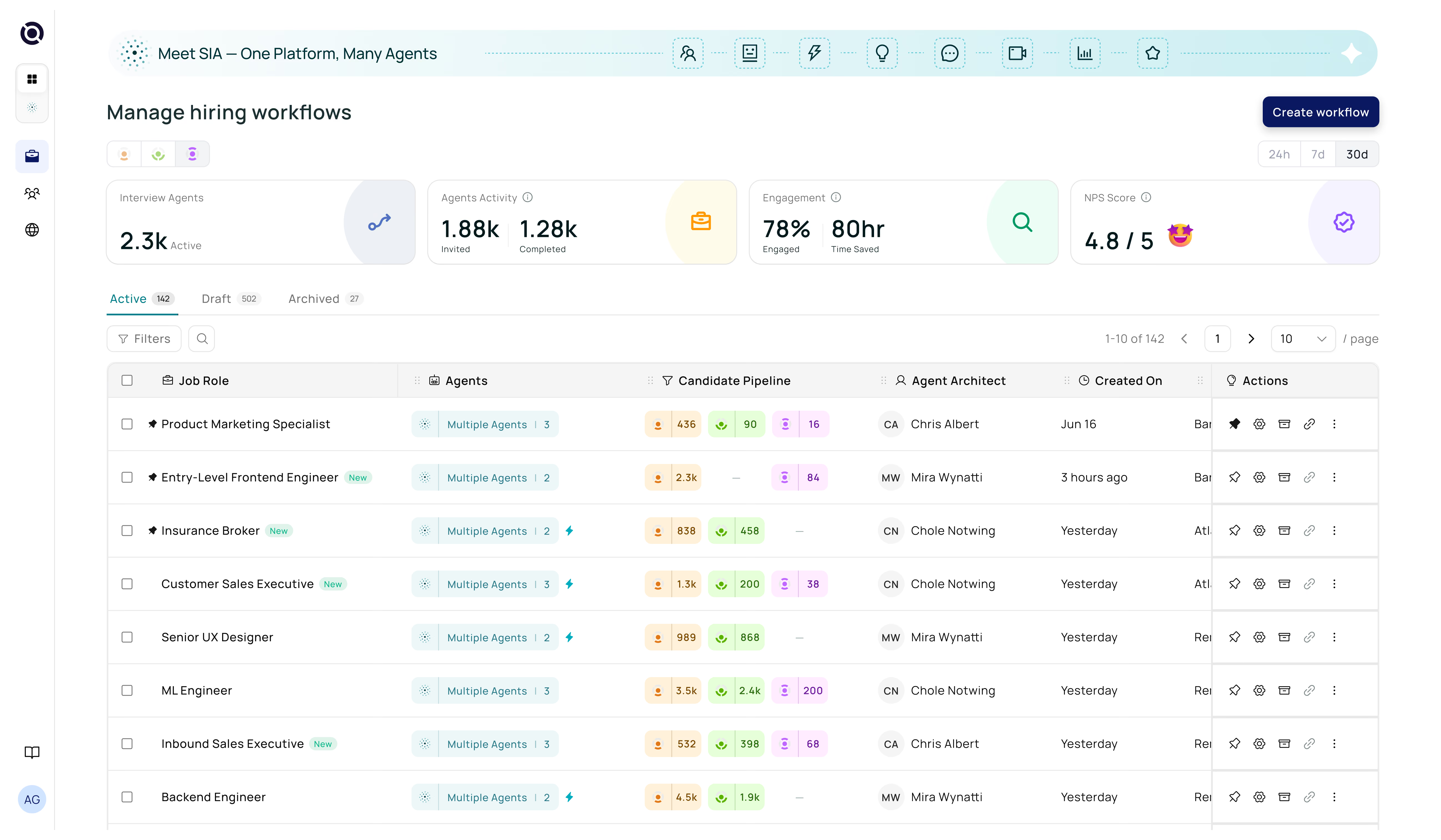
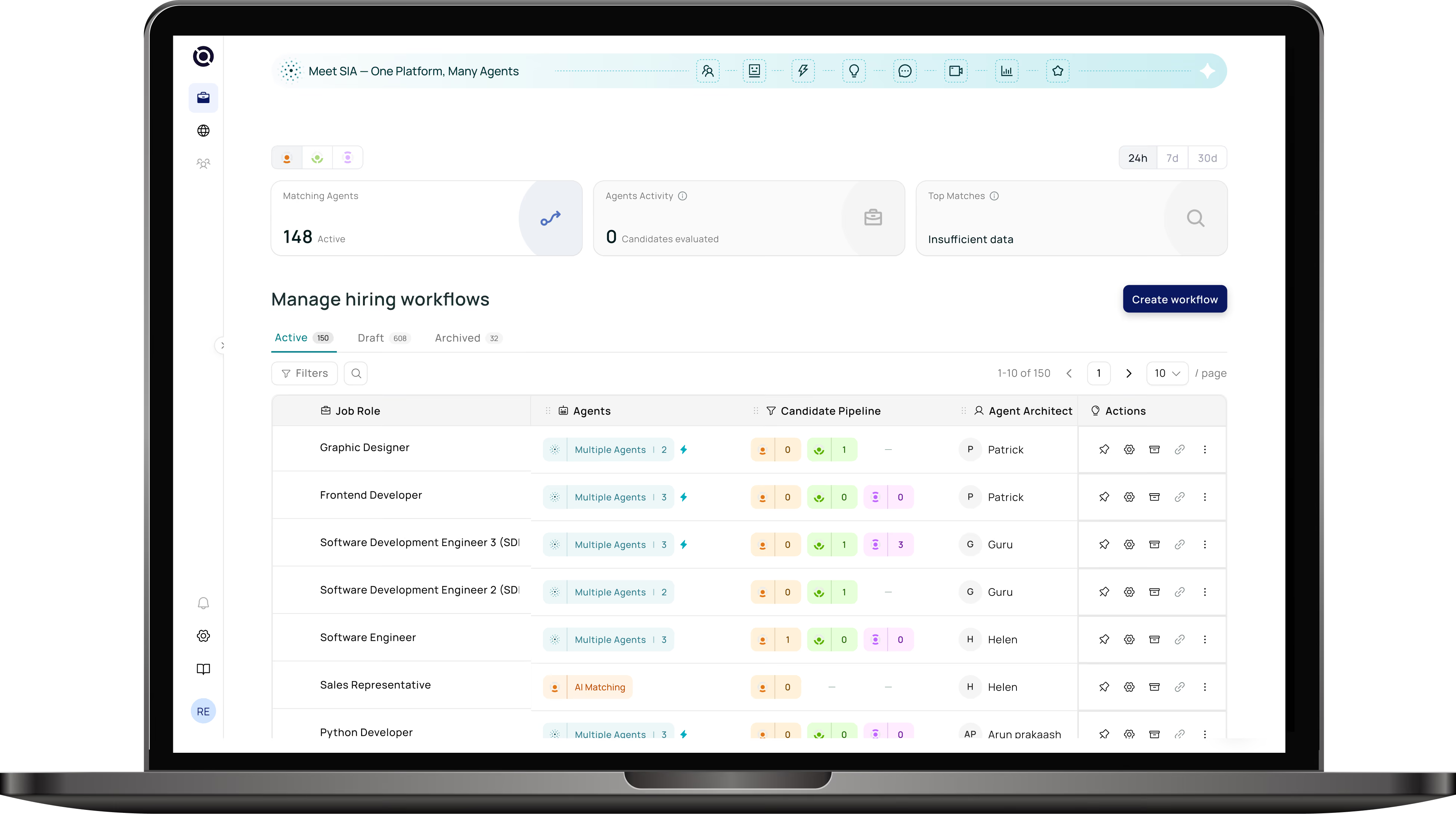
The Senseloaf AI Prescreening Agent is a recruitment chatbot built specifically for structured early-stage evaluation. It activates automatically after resume matching in the Senseloaf hiring workflow, conducting role-aware prescreening conversations with every candidate — and writing the results directly back into each candidate's profile.
What Makes It Different
Unlike generic chatbot platforms, the Senseloaf Prescreening Agent is deeply context-aware. It reads the job description, applies role-specific evaluation criteria, and adapts the conversation to the position — not a generic question template. Recruiters define what matters for each role; the agent executes it consistently at scale.
5 Question Generation Methods
Generate prescreening questions from the JD automatically, from prebuilt role templates, from category selections (eligibility, availability, skills, etc.), via AI from free-text guidance, or by uploading a spreadsheet — whichever fits your workflow.
Structured Chat Flow
Every prescreening conversation follows a defined three-part structure: a customizable greeting message, sequential question widgets, and a closing message — giving candidates a professional, coherent experience from start to finish.
Per-Question Configuration
Each question supports single choice, multiple choice, or free text formats. Recruiters assign individual scores per answer, and can mark specific responses as disqualifiers — automatically screening out candidates who don't meet mandatory criteria without manual review.
Multi-Channel Delivery
Prescreening invitations are sent via email or SMS, with configurable message content and delivery settings. Recruiters control the number of attempts allowed per candidate and customize communication for each channel.
Reusable Templates
Every completed prescreening configuration — including questions, scoring, disqualifiers, and communication settings — can be saved as a named template and reused across similar roles, eliminating setup repetition for high-frequency hiring needs.
Native ATS Sync
Prescreening scores, summaries, and candidate responses write directly into candidate profiles within the Senseloaf workflow — no separate dashboard, no manual data transfer, no ATS reporting disruption.
The Senseloaf Prescreening Agent covers all critical early-stage dimensions: Eligibility, Availability, Behaviour, Visa status, Personality, Work Experience, Technical Skills, and Notice Period — configurable per role so every conversation is precisely scoped to what matters for that position.
How to Set Up AI Prescreening in 5 Steps
Getting the Senseloaf AI Prescreening Agent live is a fast, structured process. Here's how it works from activation to first candidate conversation.
Activate the Workflow
The AI Prescreening Agent becomes active only after the hiring workflow is activated in Senseloaf. It runs after the Resume Matching stage, meaning it automatically engages candidates who have already cleared the initial resume filter — so every prescreening conversation is with a relevant applicant.
Generate Your Question Set
Choose your creation method: use Quick Start to auto-generate questions from the JD, select a prebuilt template for common roles, pick evaluation categories, paste your own questions for AI to structure, or upload a spreadsheet in bulk. Most recruiters using Quick Start are live with a complete question set in under five minutes.
Configure Scoring and Disqualifiers
For each question, assign score weights to answer options and flag any responses that should automatically disqualify a candidate. This is where the agent earns its value — criteria that would require manual review in a phone screen are now enforced automatically and consistently at every conversation.
Set Communication Preferences
Choose whether to reach candidates via email, SMS, or both. Customize the invitation message, set the number of allowed attempts, and configure the greeting and closing messages that candidates see during the chat. Every setting can be saved as a template for future roles.
Review Results in Your ATS
As candidates complete prescreening, their scores, summaries, and full responses appear inside their Senseloaf candidate profiles. Recruiters see a ranked, structured shortlist — with disqualified candidates already filtered — without having spoken to a single applicant yet. The chatbot has done the first pass; recruiters own the decisions that follow.
What to Look for in a Recruiting Chatbot
Not all recruitment chatbots deliver the same depth of capability. When evaluating options for your team, these are the criteria that separate a genuinely useful tool from a well-marketed FAQ engine.
| Capability | What Good Looks Like | Red Flag |
|---|---|---|
| Role awareness | Questions generated from or tailored to specific JD context | Generic question bank applied to all roles |
| Scoring and disqualifiers | Per-answer scoring with automatic disqualifier logic | Binary pass/fail with no nuance or configurability |
| ATS integration | Bidirectional sync — results write into candidate profiles automatically | Separate dashboard requiring manual export |
| Question types | Single choice, multiple choice, and free text all supported | Multiple choice only — no open-ended assessment |
| Candidate experience | Conversational flow with greeting, structured questions, and closing | Abrupt form-style interaction with no context |
| Template reuse | Full configuration saved and reusable across similar roles | Setup required from scratch for every role |
| Multi-channel delivery | Email and SMS with customizable content per channel | Email only, no customization |
| Bias controls | Criteria-based evaluation with structured question categories | Unstructured conversations with no scoring framework |
Some platforms label any automated email sequence or candidate FAQ widget as a "recruitment chatbot." The meaningful distinction is whether the tool conducts structured evaluations, applies role-specific scoring, and syncs results into your ATS. Only 26% of candidates currently trust AI to evaluate them fairly — which means the chatbot you choose must be both explainable and well-configured to build that trust rather than erode it.